

To add triggers, click on the “Triggers” tab in the left-side menu.
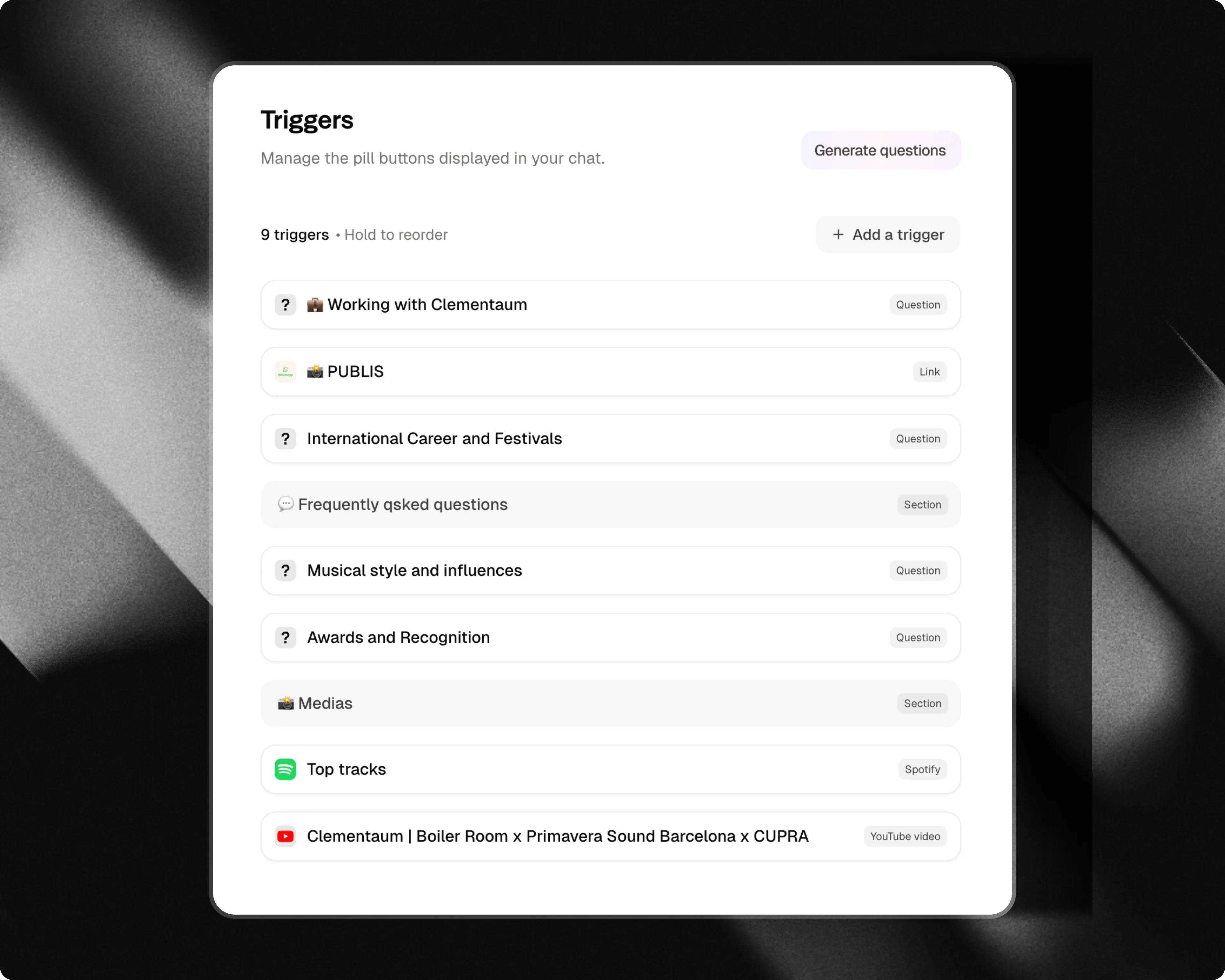
Trigger types
Attlas offers a wide variety of link and media trigger types organized by category:Start with
- External links: Direct users to external websites, landing pages, or resources.
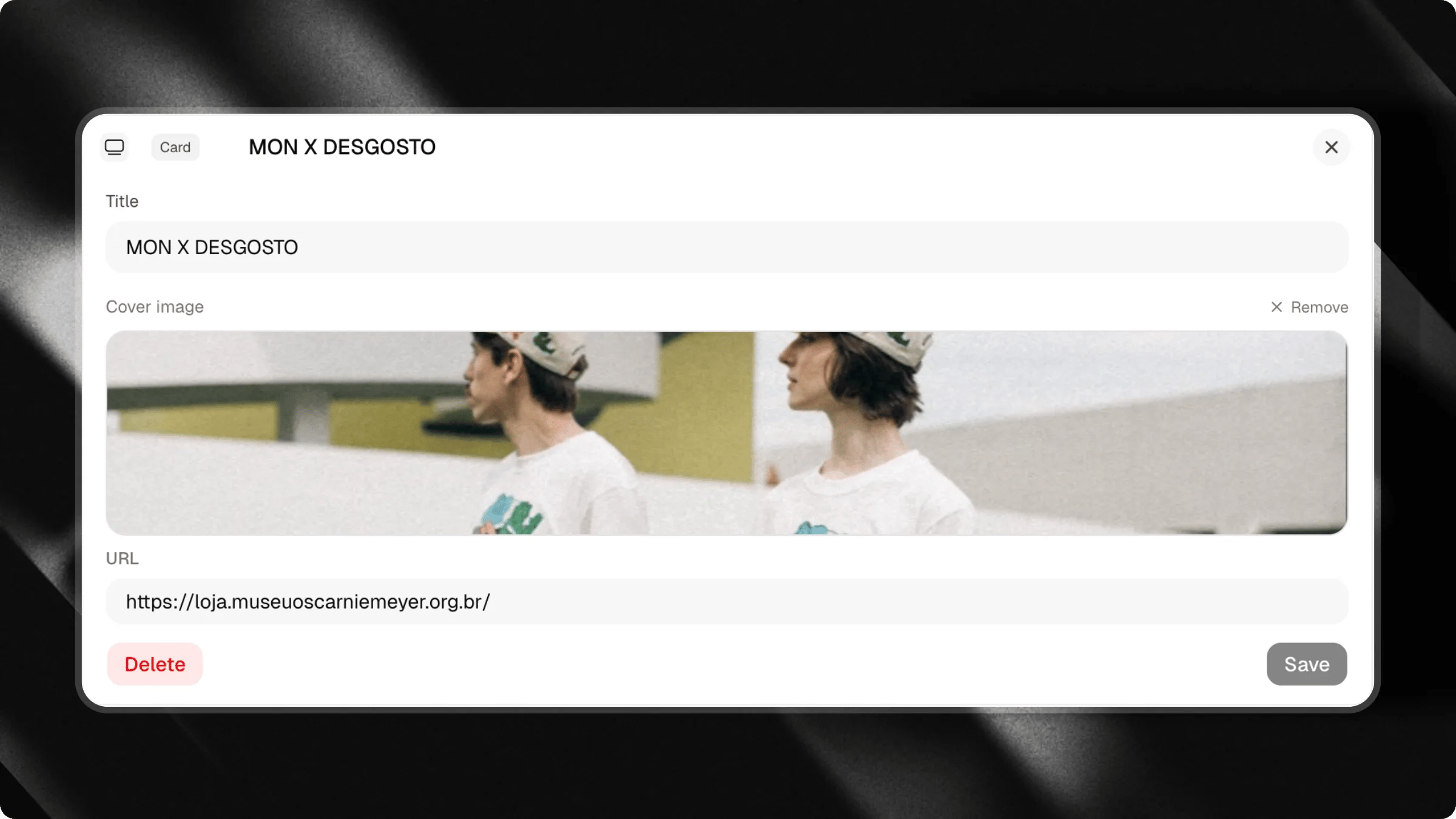
- Cards: Highlight articles, announcements, or featured items with a visual 16:9 cover image.
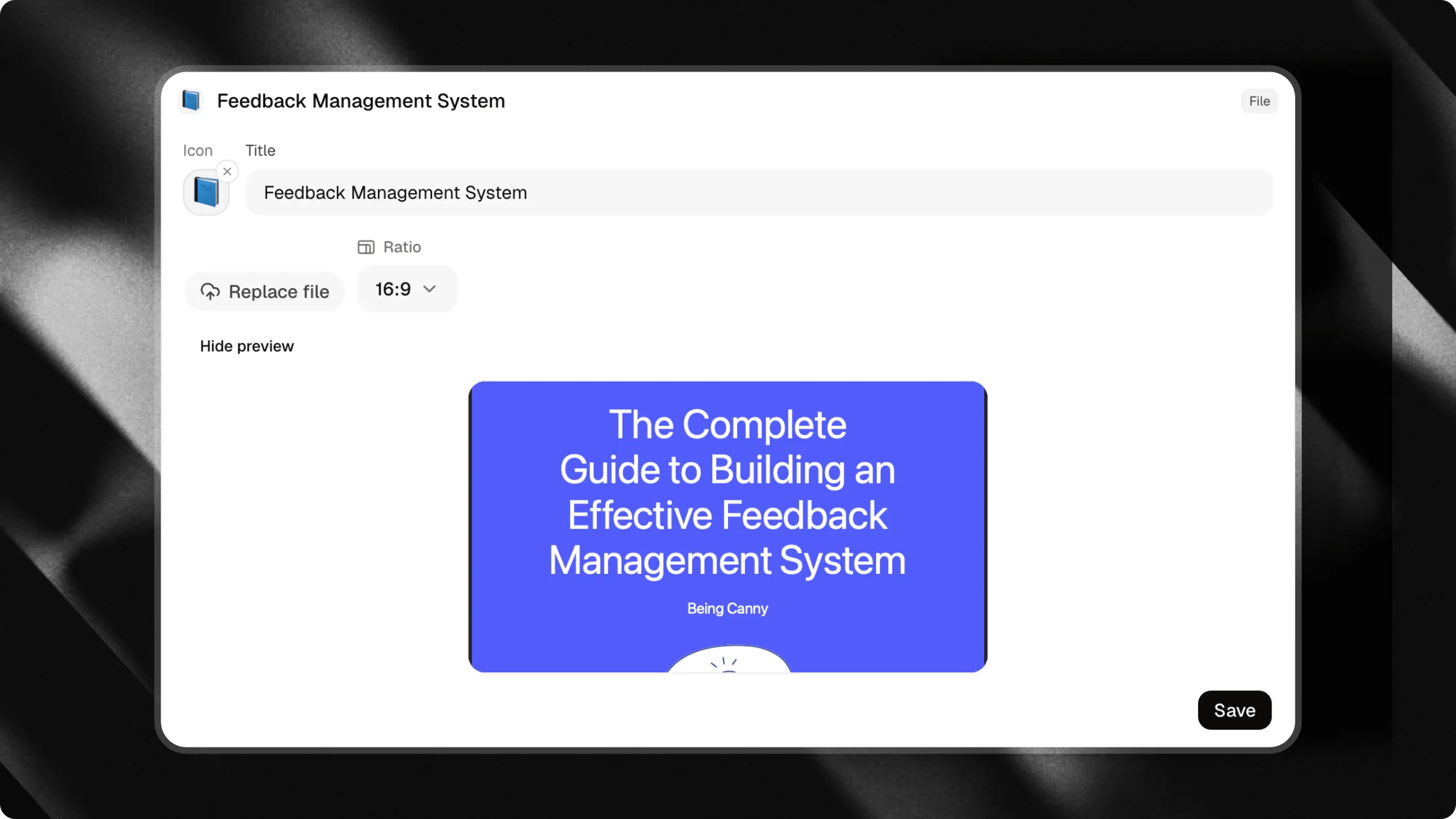
- Files: Offer downloadable PDFs, e-books, guides, or catalogs.
Organize
- Section: Group and categorize your triggers under clean header dividers.
- Space: Add vertical spacing between trigger blocks for a balanced layout.
Media
- Mini-video: Upload a short video that visitors can play directly inside the chat.
- YouTube videos: Showcase specific videos or tutorials inline.
- YouTube channel: Link to your channel to encourage subscriptions and video discovery.
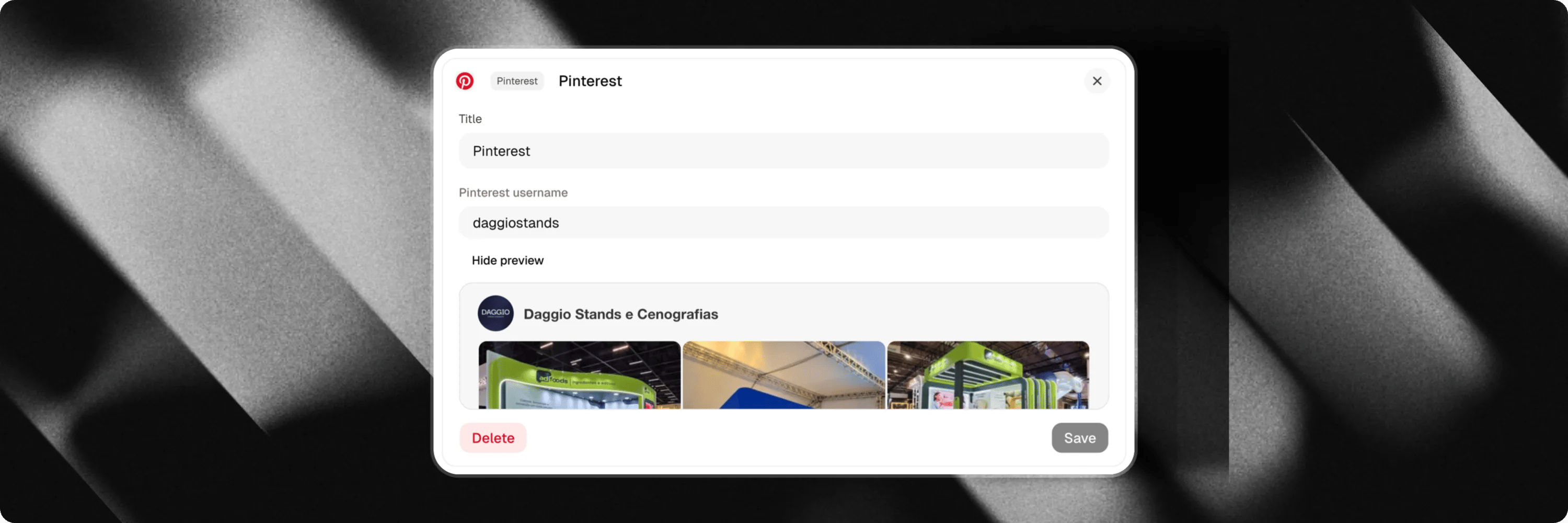
- Pinterest: Display your Pinterest profile and latest Pins directly in the chat.
- Spotify: Embed playable songs, albums, or playlists directly inside the chat.
- SoundCloud: Embed audio tracks or playlists with custom player height.
- Google Drive files: Share documents, presentations, or spreadsheets hosted on Google Drive.
Contact & location
- Location maps: Share interactive location maps and directions.
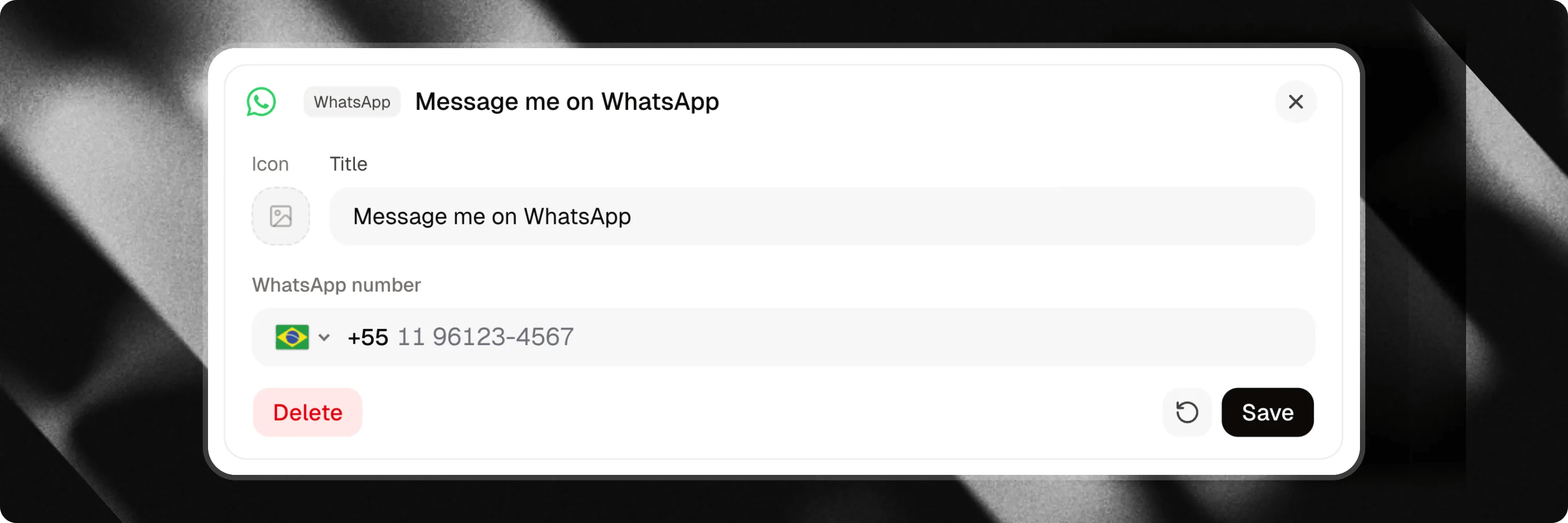
- WhatsApp: Capture lead details (name, phone, message) before redirecting to WhatsApp.
- Email: Provide an instant email contact action.
- Phone: Allow visitors to call your phone number directly.
Specialized
- Next Dates (Bandsintown): Display live tour dates and ticket links for artists and performers.
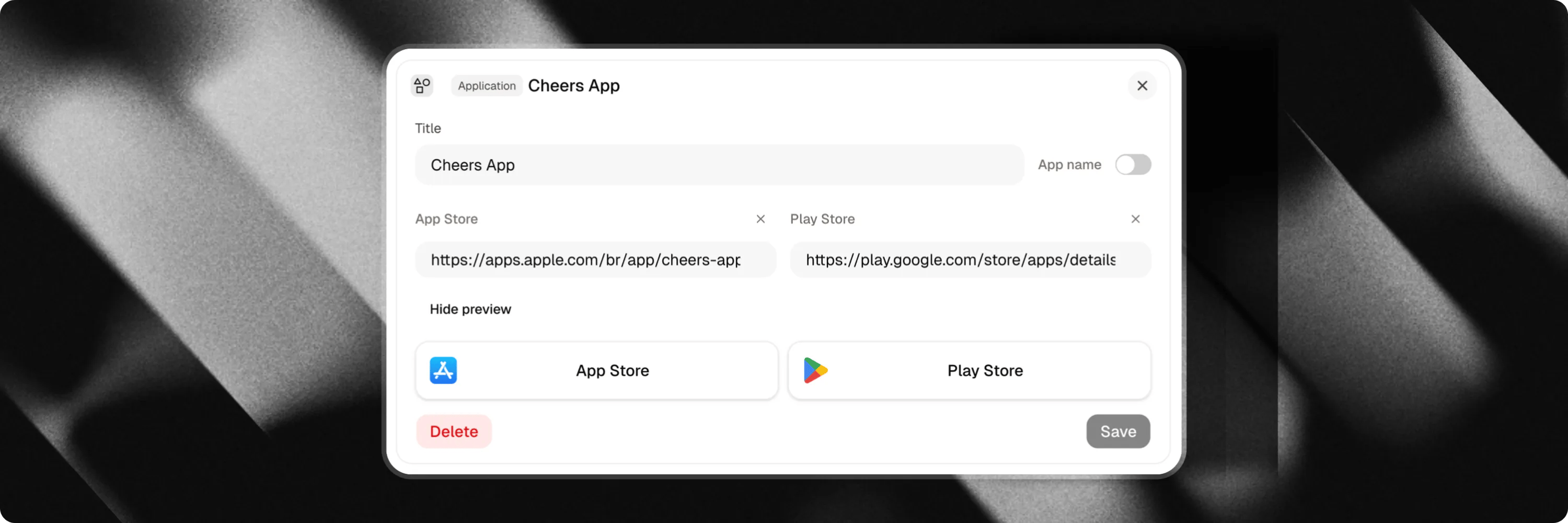
- Application: Direct visitors to download your mobile app from the Apple App Store, Google Play Store, or both.
Content and links
External links
Add links to important pages you want to share with your visitors. You can share:- Company websites
- Landing pages
- Blogs and articles
- Portfolios
- Registration or booking pages
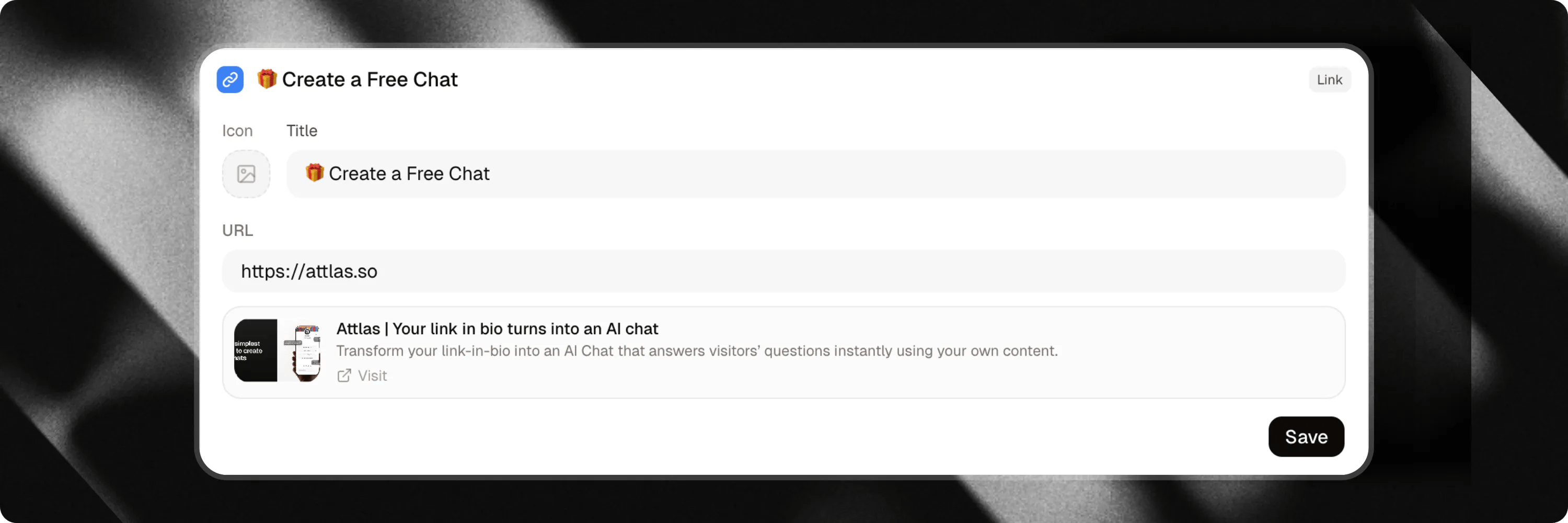
Cards
Create visual link cards to capture your visitors’ attention with a large cover image. Cards are ideal for highlighting:- Blog posts and guides
- Special offers or announcements
- Important news
- Featured services
Attlas automatically adds UTM tracking parameters to help you analyze traffic sources.
Files
Make documents available for direct download through triggers. Ideal for sharing:- PDFs
- E-books
- Catalogs
- Guides and whitepapers
- Presentation slides
Google Drive files
Share documents, presentations, spreadsheets, or any other files stored in Google Drive. Simply add the public share link to give visitors instant access to your content.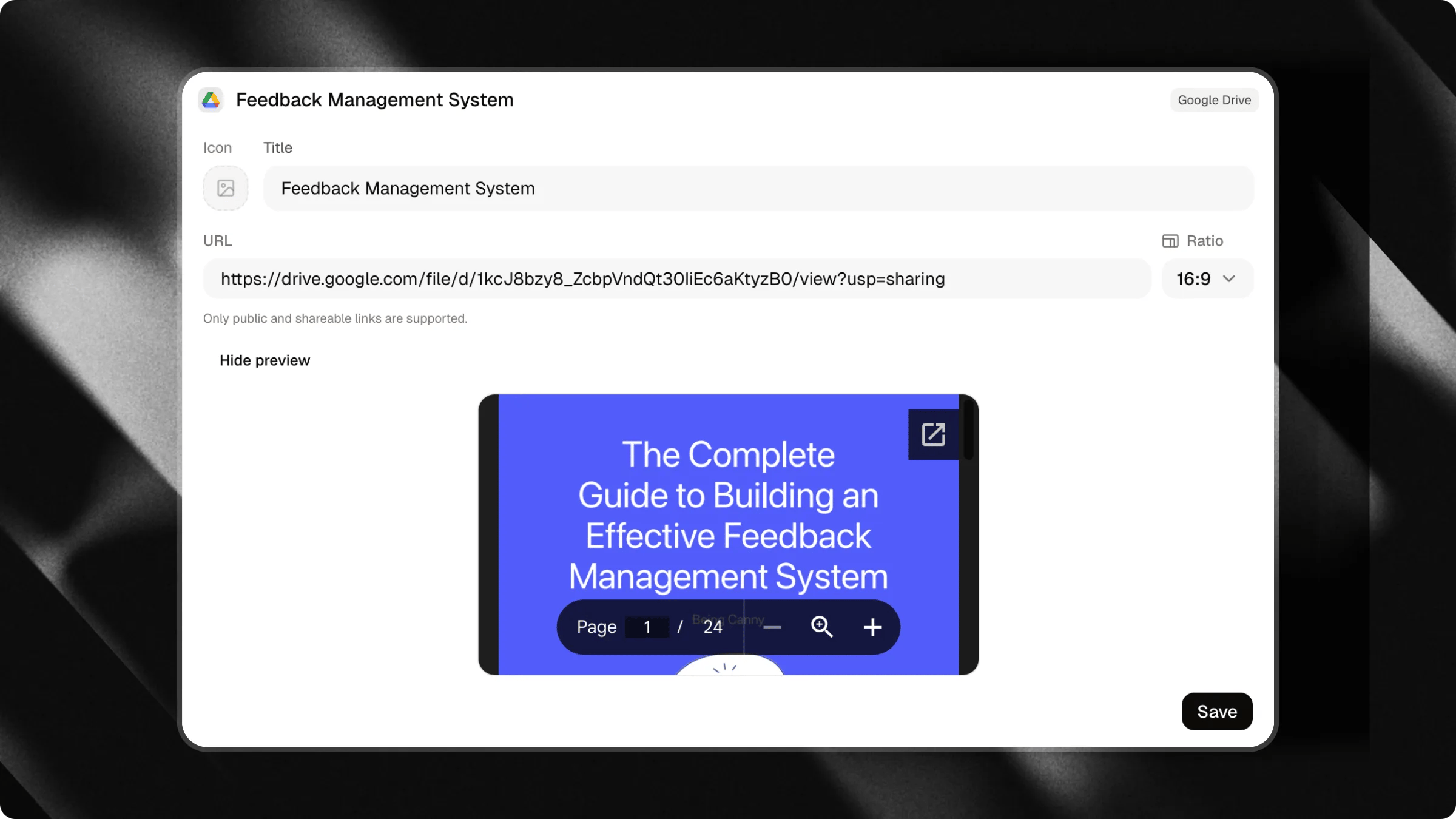
Media embeds
Mini-video
Upload a short MP4 video to create a personal and engaging entry point in your chat. Visitors can play or pause the video, toggle sound, and view remaining duration. You can choose between a circle or rounded square shape, and enable Autoplay. Autoplay videos always start muted so visitors stay in control of the audio.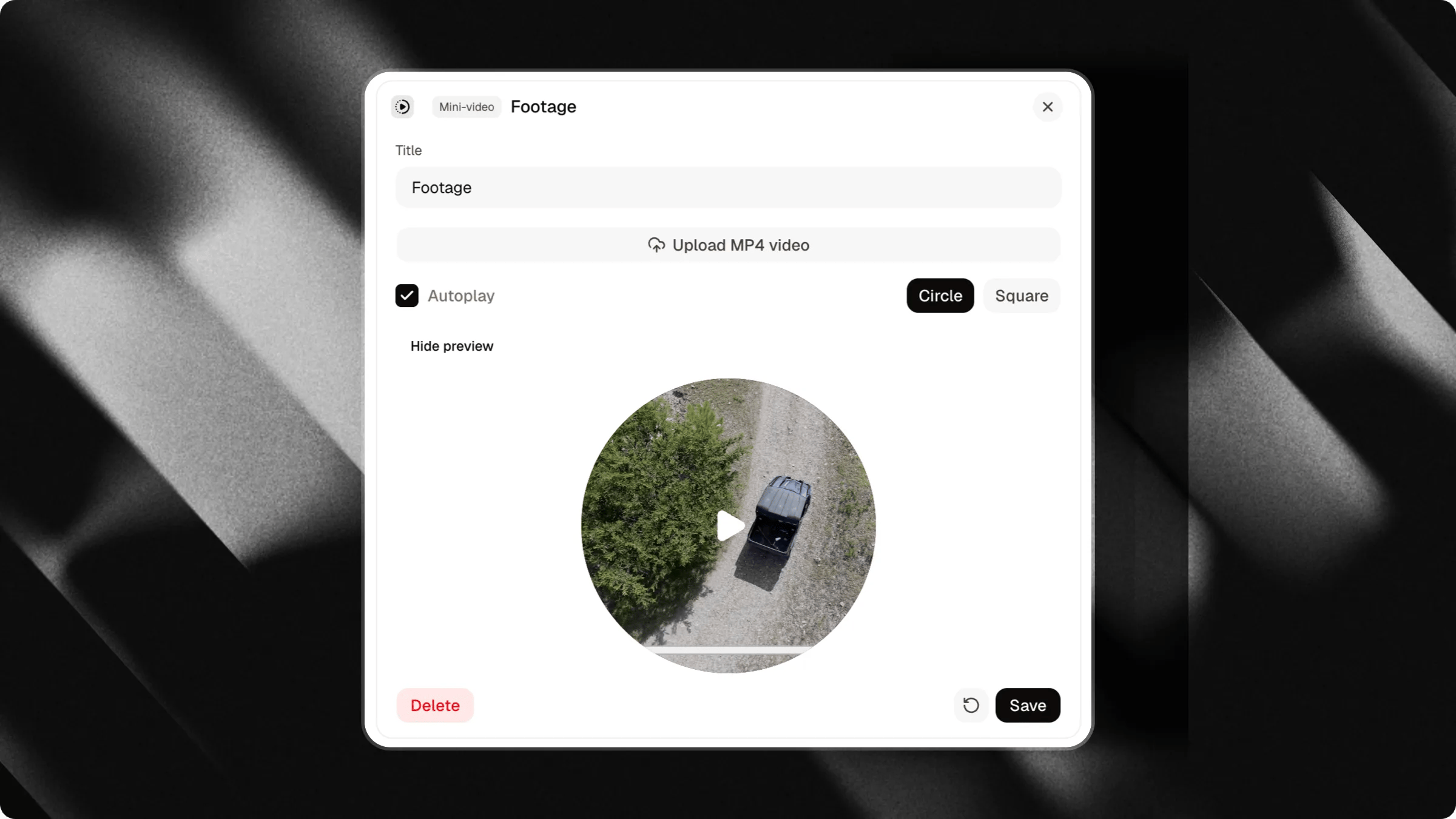
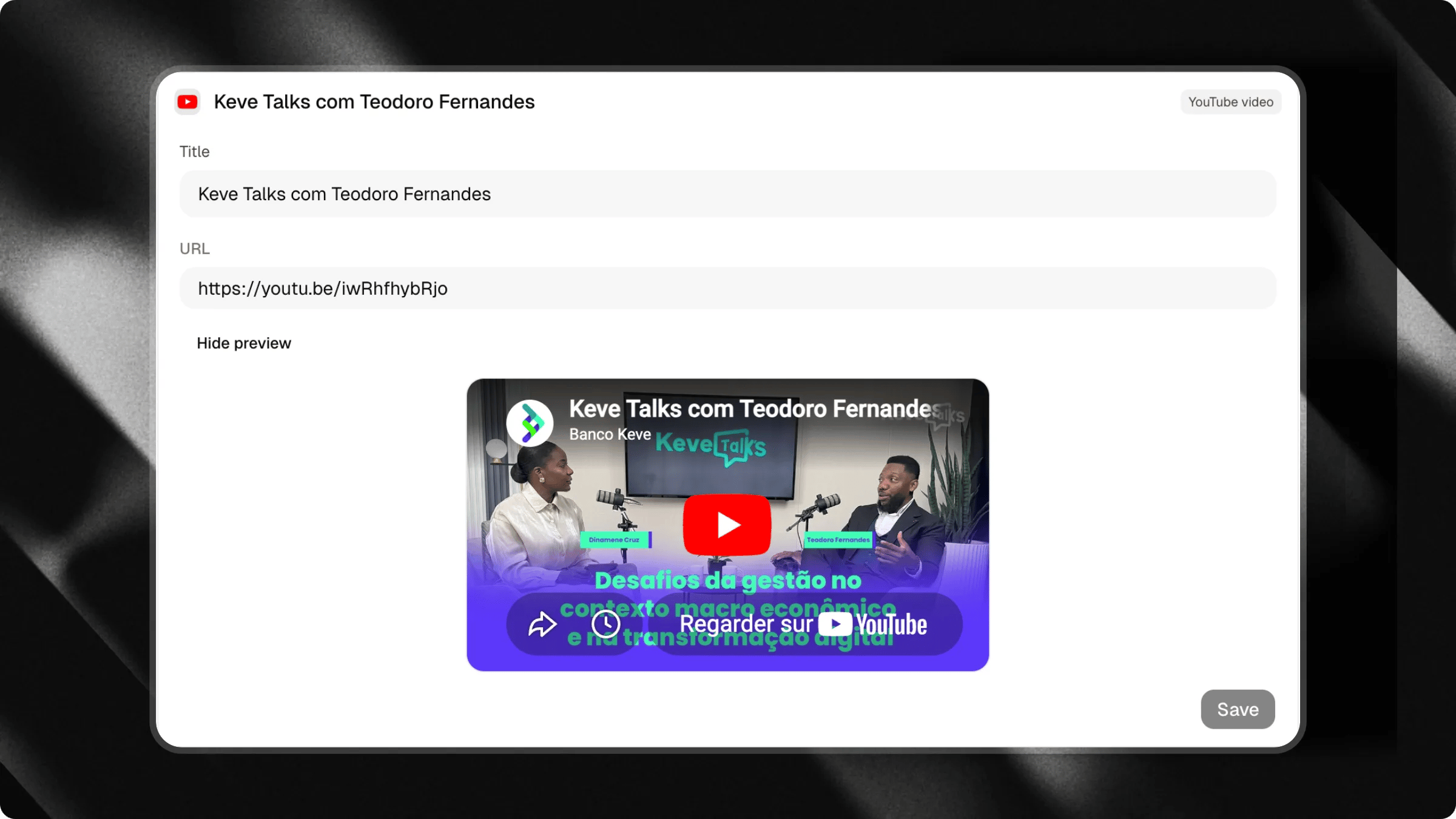
YouTube videos
Promote specific videos from your channel or third-party tutorials directly inside your chat. Ideal for:- Product walkthroughs
- Video tutorials
- Presentations
- Case studies
YouTube channel
Add your channel link so visitors can discover your videos and subscribe easily.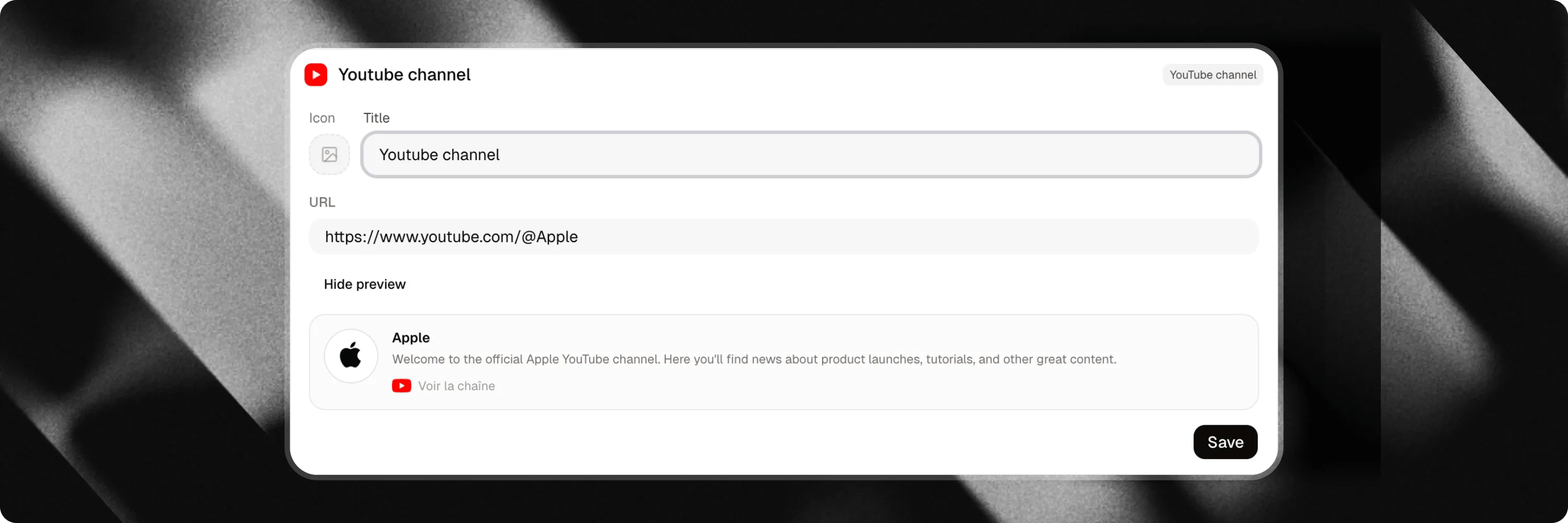
Spotify embed
Share music, podcasts, or playlists directly inside the chat interface. Whether you are an artist, a podcaster, or curating recommendations for your audience, add any Spotify link to embed a playable widget.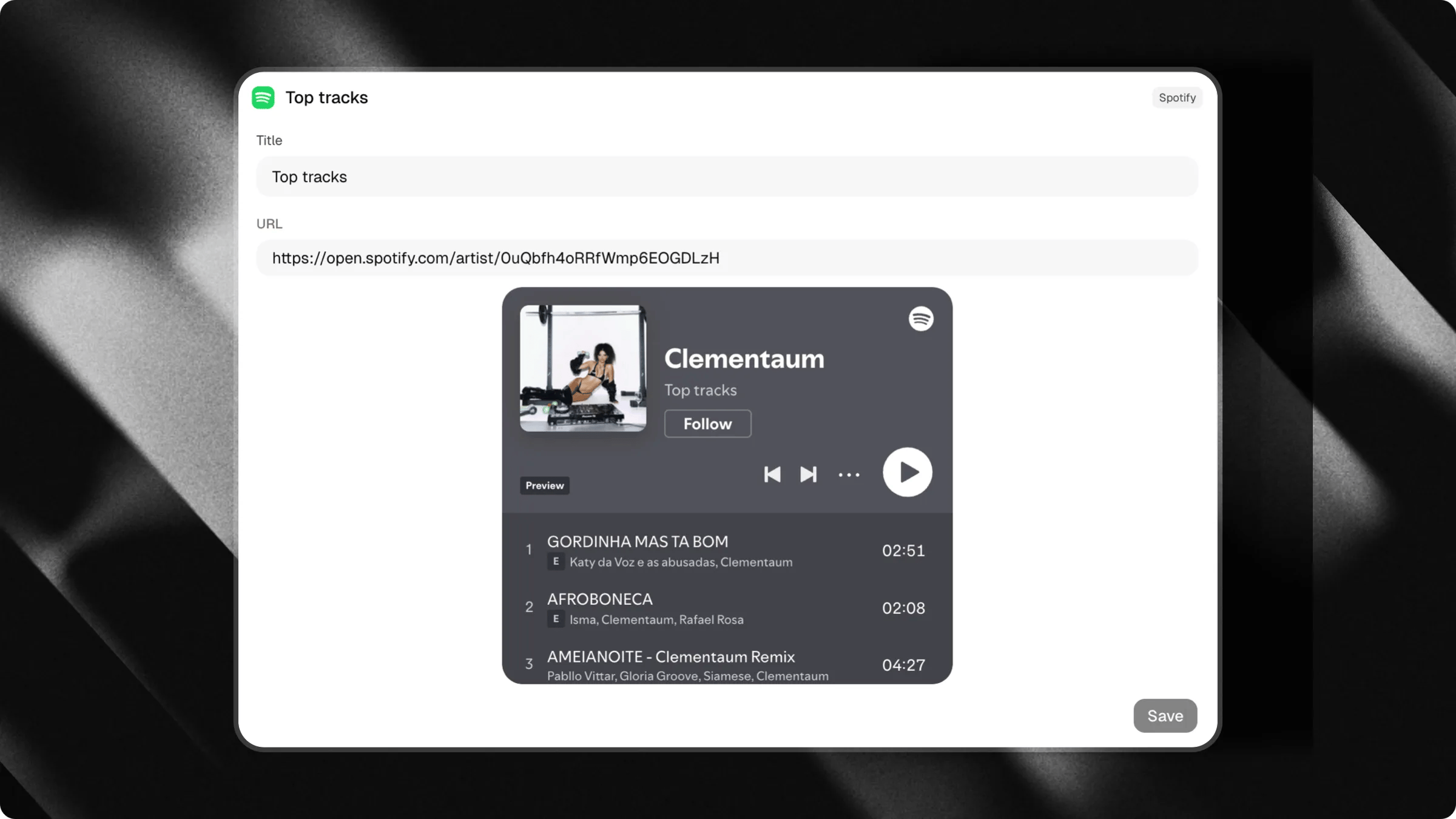
SoundCloud embed
Embed audio tracks or playlists directly within the chat interface. Add any public SoundCloud track or playlist link. You can also customize the embed height (between 100px and 1000px, defaulting to 200px) to suit your layout.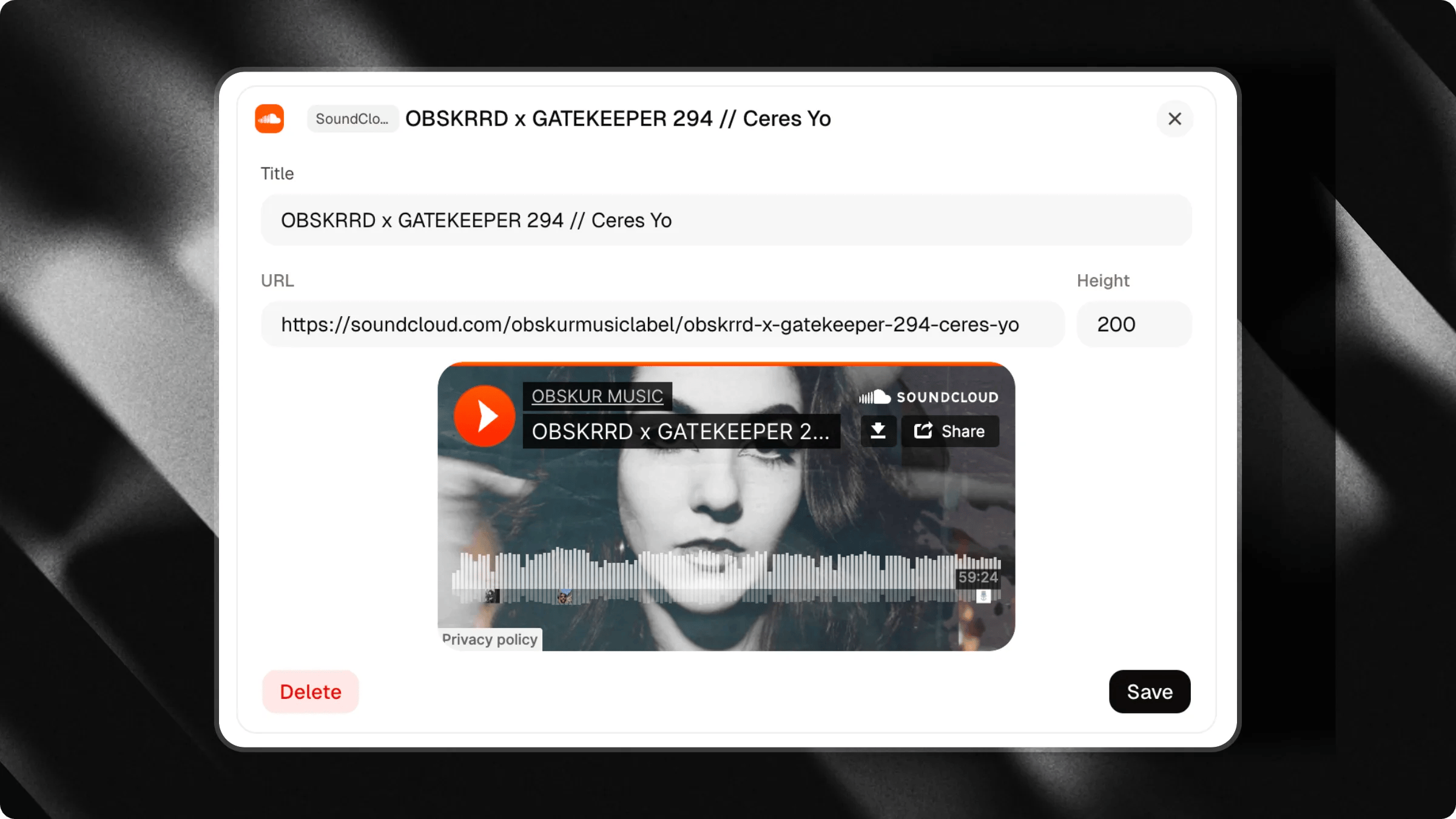
Contact and location
Location maps
Share a location directly inside your chat to help visitors find your physical premises. Add an address to display an interactive map pin with direct navigation links.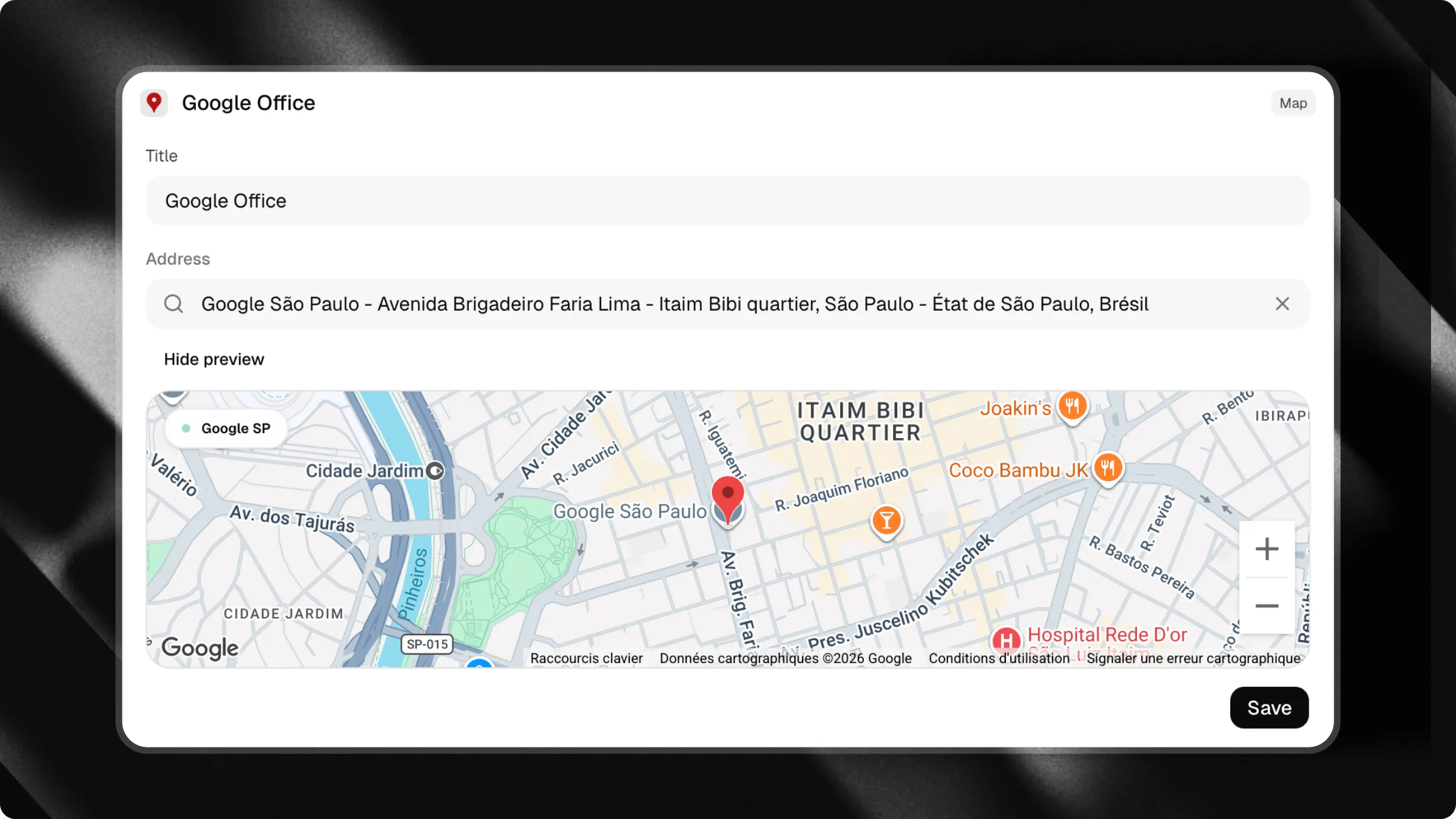
Email and Phone
Provide one-tap communication triggers for visitors who prefer traditional contact methods.- Email: Opens the visitor’s default email client with your address pre-filled.
- Phone: Prompts the visitor’s device to call your phone number directly.
Next Dates (Bandsintown)
Display live tour dates and upcoming concert events directly in your chat through your connected Bandsintown profile.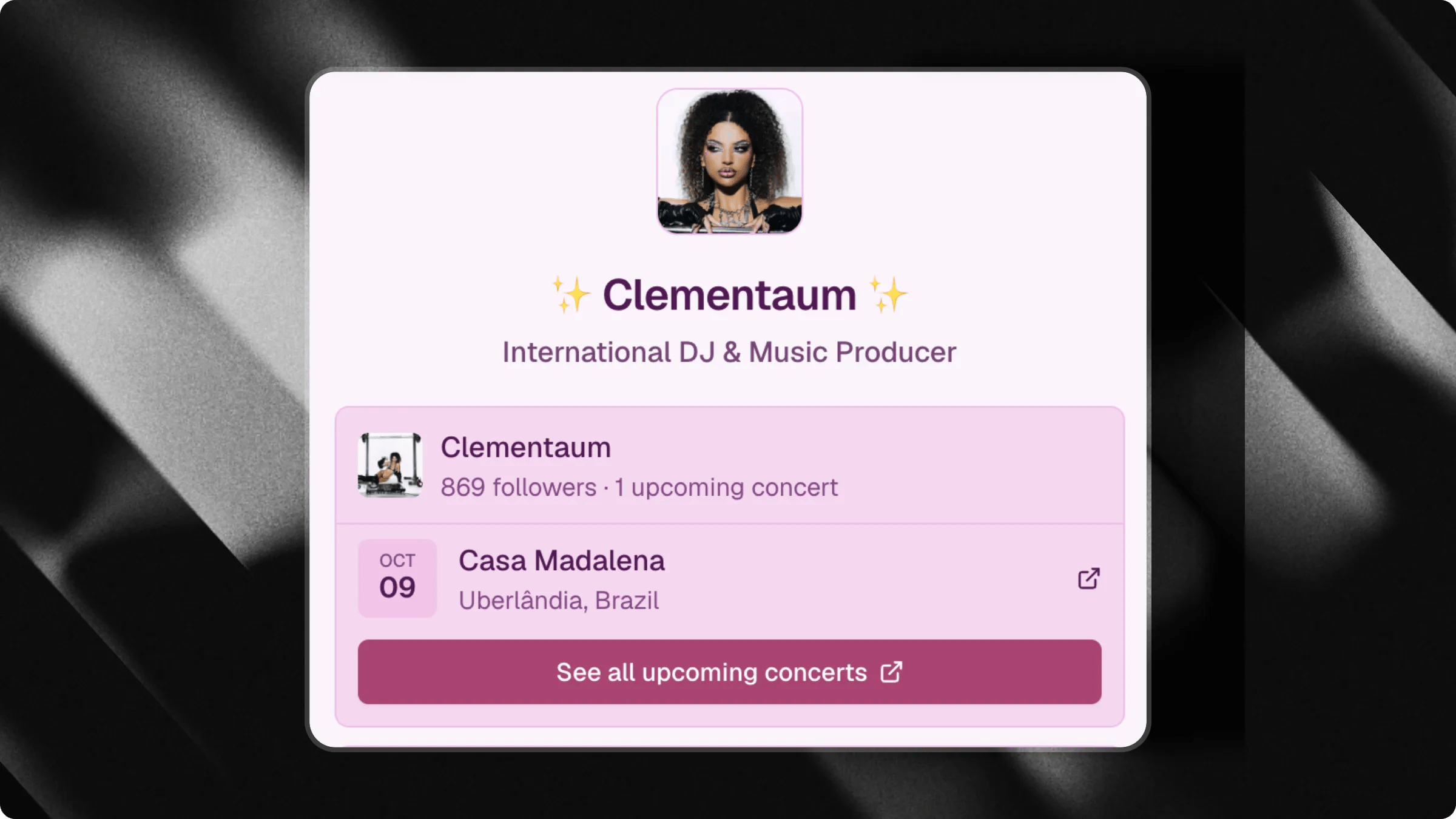
Learn how to set up the Bandsintown integration
Connect your Bandsintown profile to showcase live tour dates and upcoming shows directly inside your chat.
Application
Layout and organization
Sections
Use Section dividers to organize related triggers into named groups (e.g. “Resources”, “Media”, “Contact us”).Space
Add vertical spacing between triggers to create visual breathing room and separate different blocks of content.Customizing icons
Each trigger type comes with a default icon. For most trigger types, you can customize this icon to match your brand.Customization options
Click on the icon preview in the edit drawer to open the media picker:- Upload: Upload a custom image file (PNG, JPG, SVG) from your device.
- Link: Provide a direct URL to an image hosted online.
- Emoji: Pick a standard emoji.
- Icon: Choose from a library of system icons.
- Unsplash: Search and select free stock photos.
Icon support by trigger type
Nested triggers (Parent-Child)
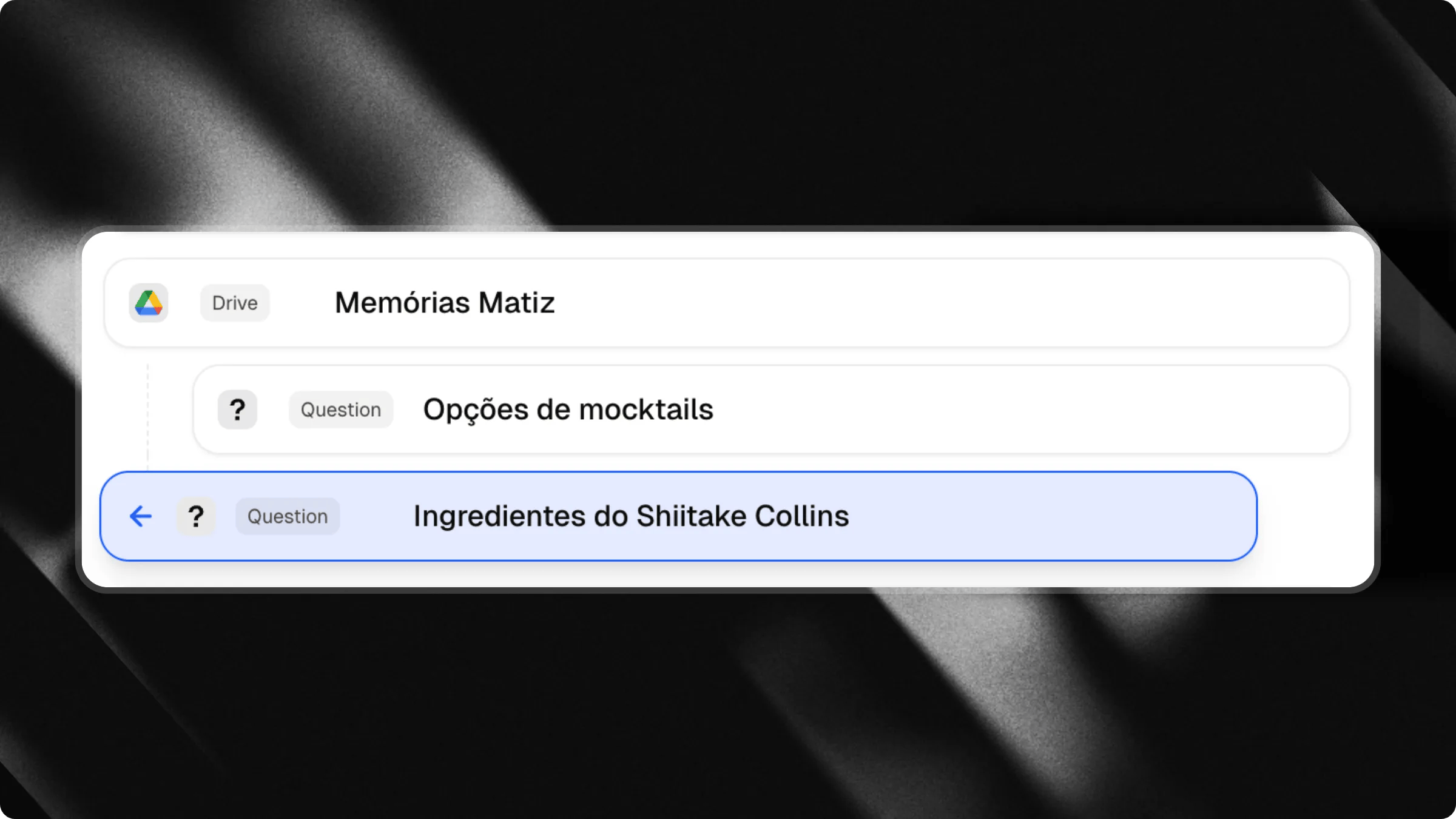
You can nest triggers under parent triggers to keep your chat interface compact and organized.Foldable triggers
Only certain trigger types can act as a parent (foldable) and contain child triggers:How to set up nested triggers
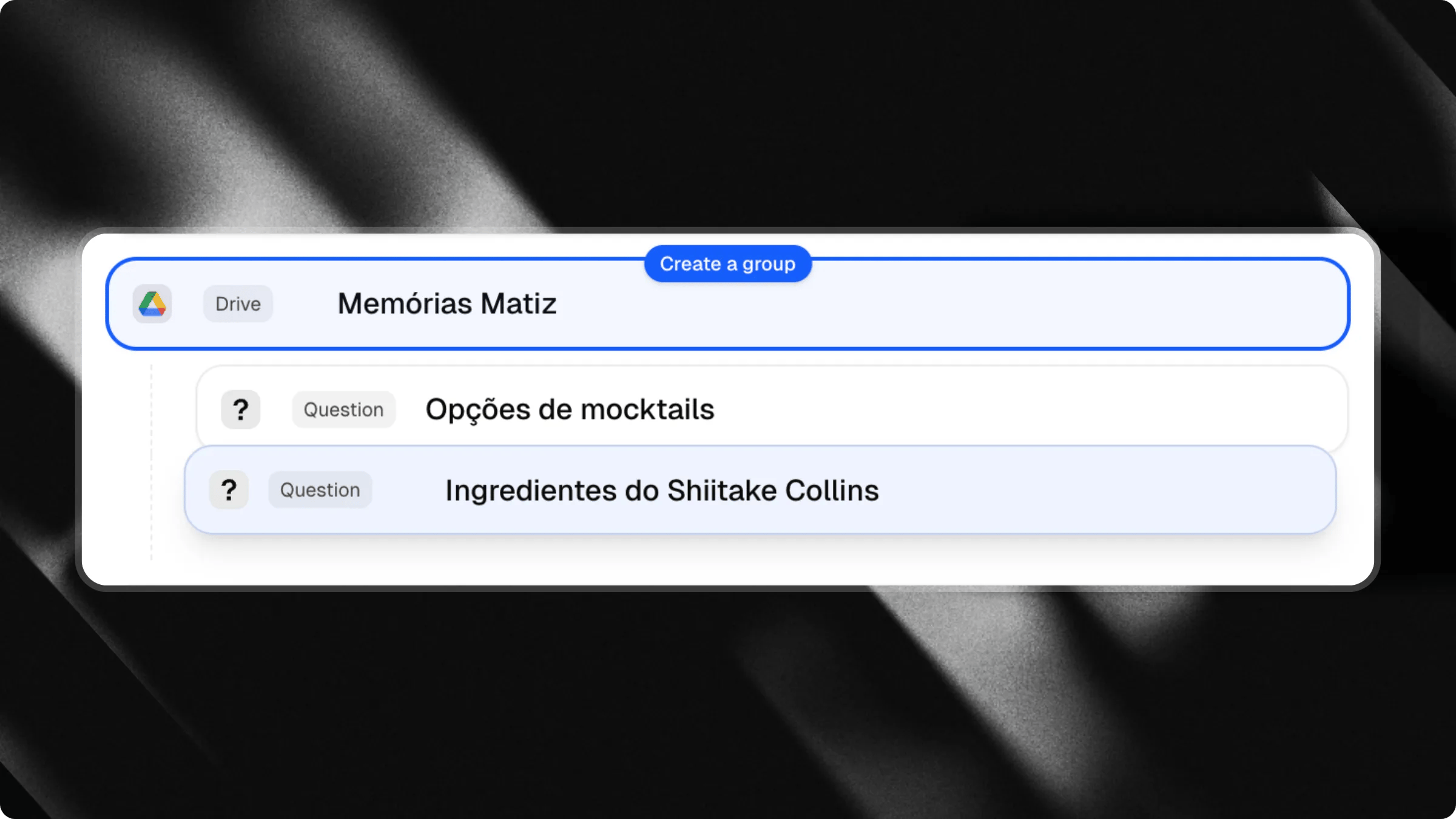
Drag trigger in group
Drag trigger out of group
- Drag and Drop: In the trigger list, drag a trigger to the right (indenting it) to nest it under the trigger above it. Drag it back to the left (outdenting) to restore it as a top-level trigger.
- From the Editor: Open the edit drawer of any parent-eligible trigger, scroll down to the Suggested Questions section, and click Add Question to add questions directly as children.
Preview
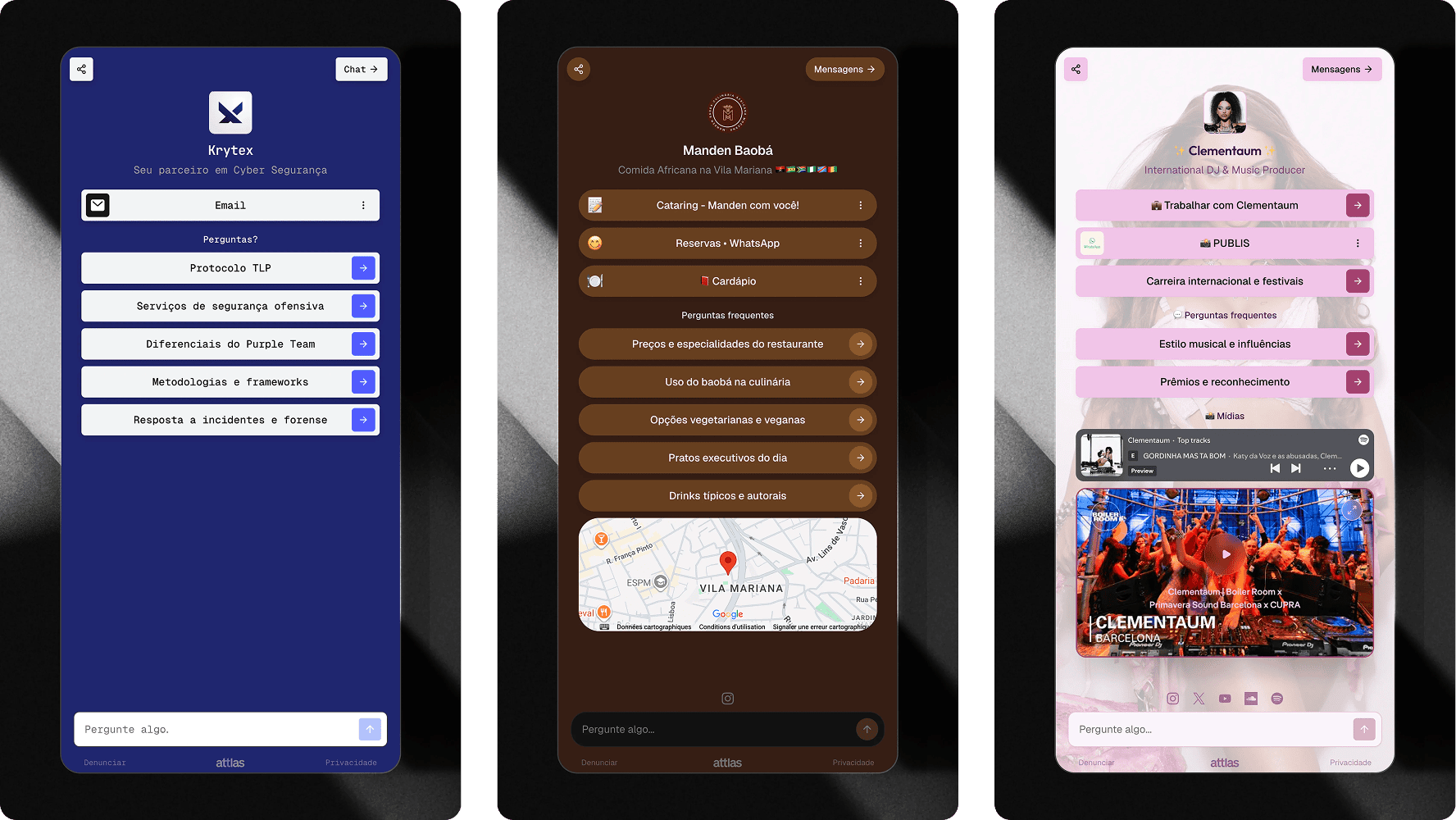
Triggers work alongside your AI assistant. Visitors can click any trigger to explore content, or type questions freely into the message bar.
Learn how to sell products in our Shop guide
Showcase products and merchandise directly in your chat with a dedicated store layout.