

Go to
Settings → Themes to personalize your chat’s appearance.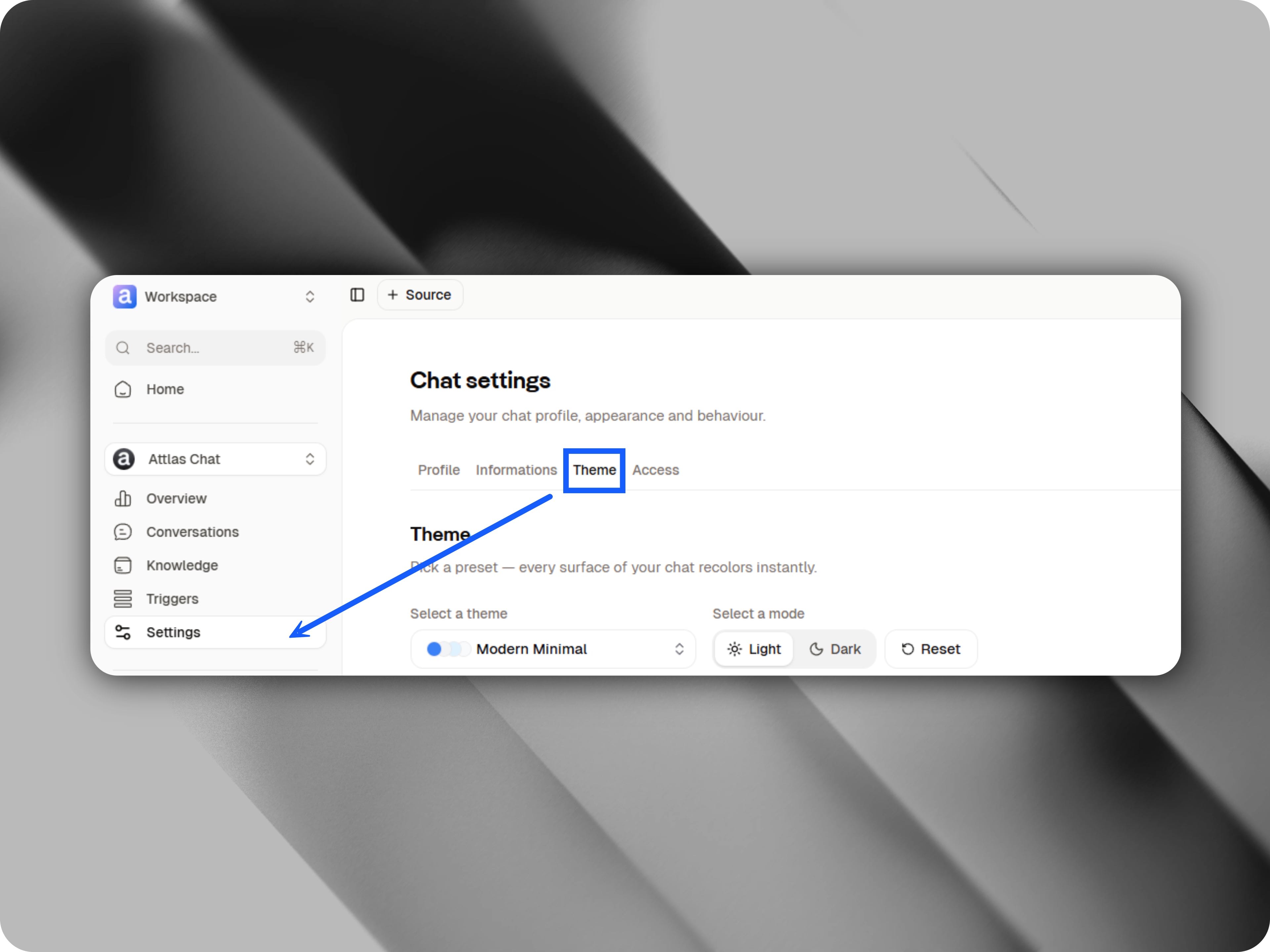
Choosing a theme
Attlas currently offers 42 ready-to-use themes.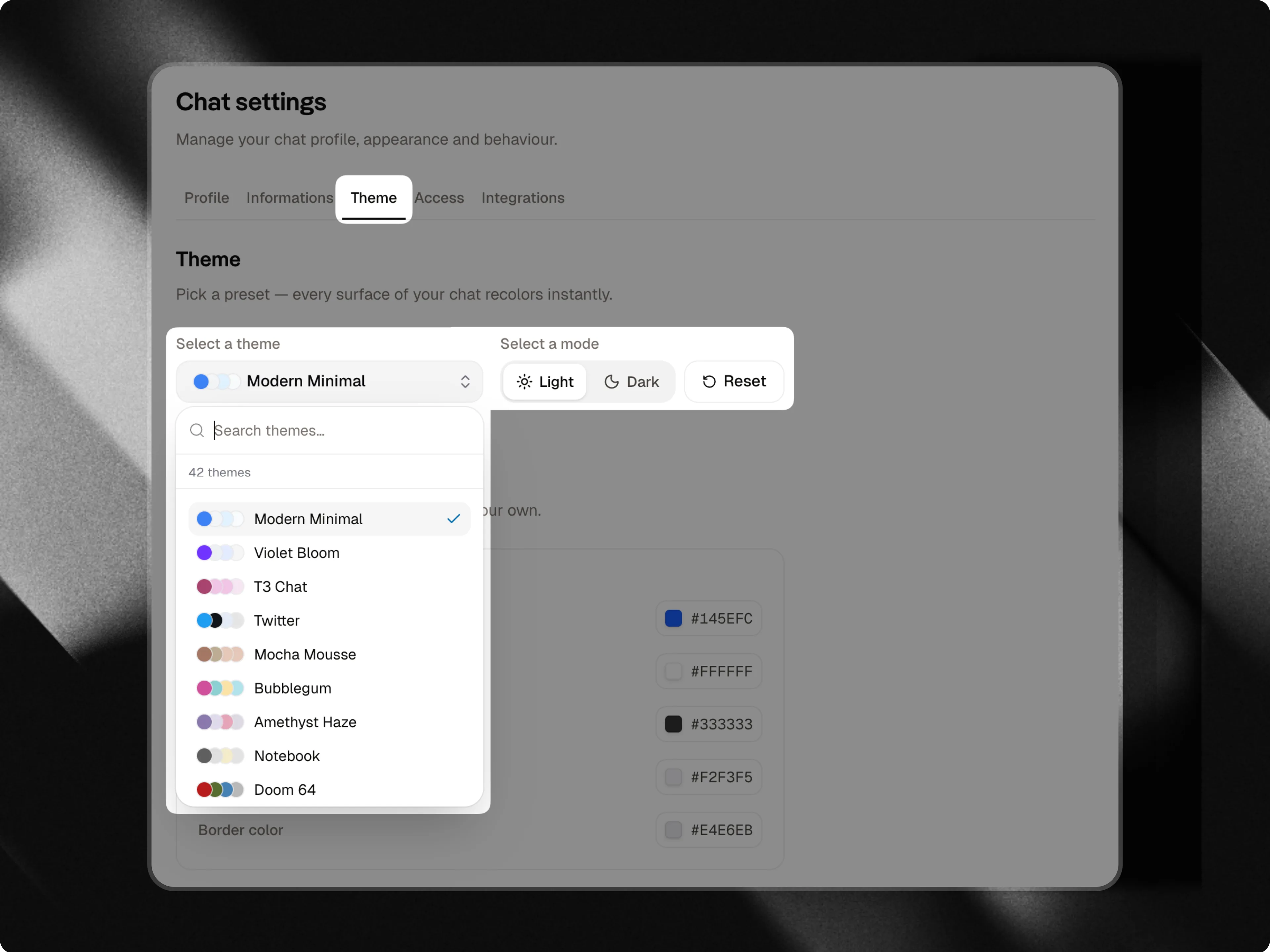
- Colors
- Visual styles
- Button designs
Here are some examples
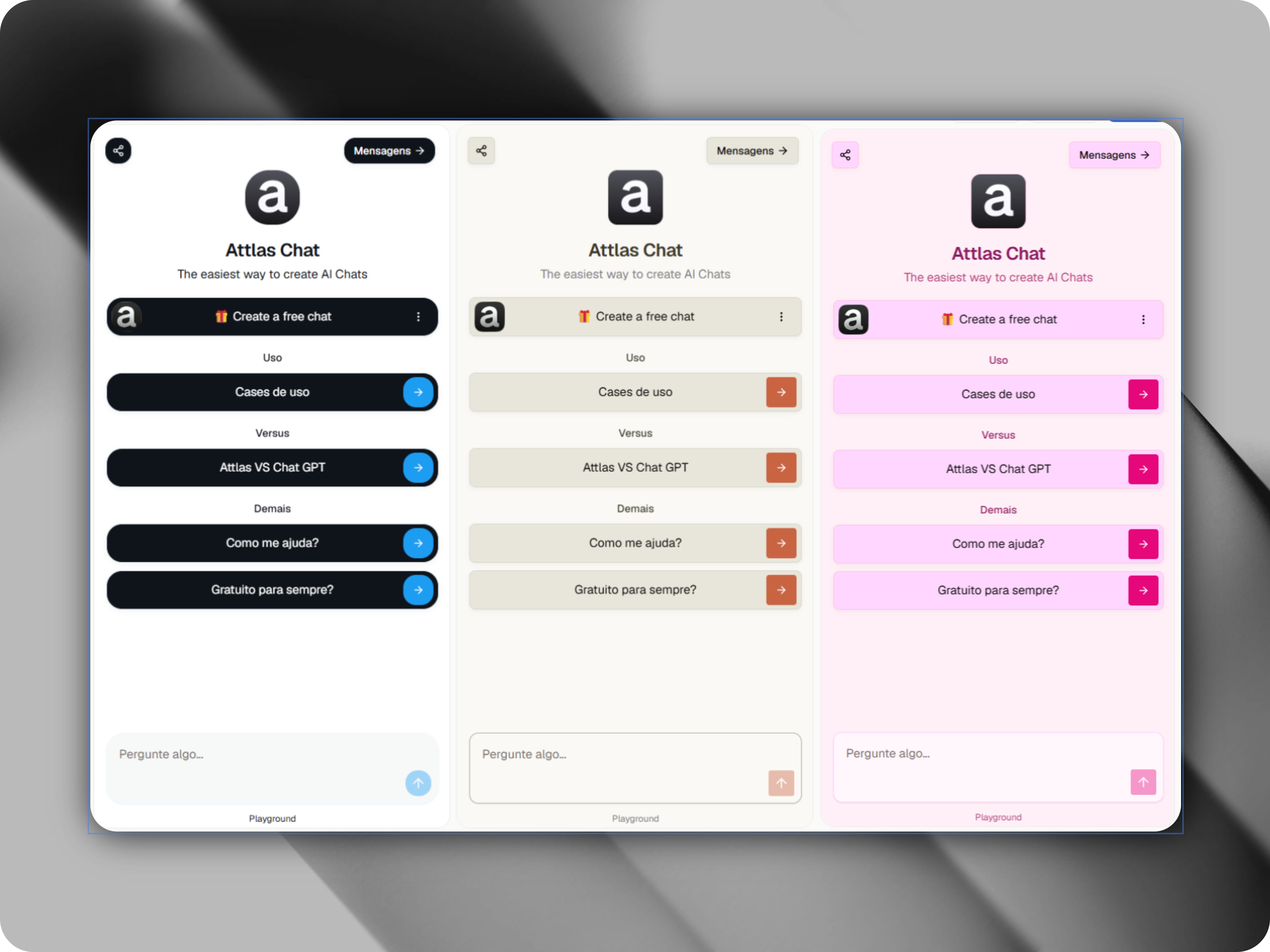
Light mode and dark mode
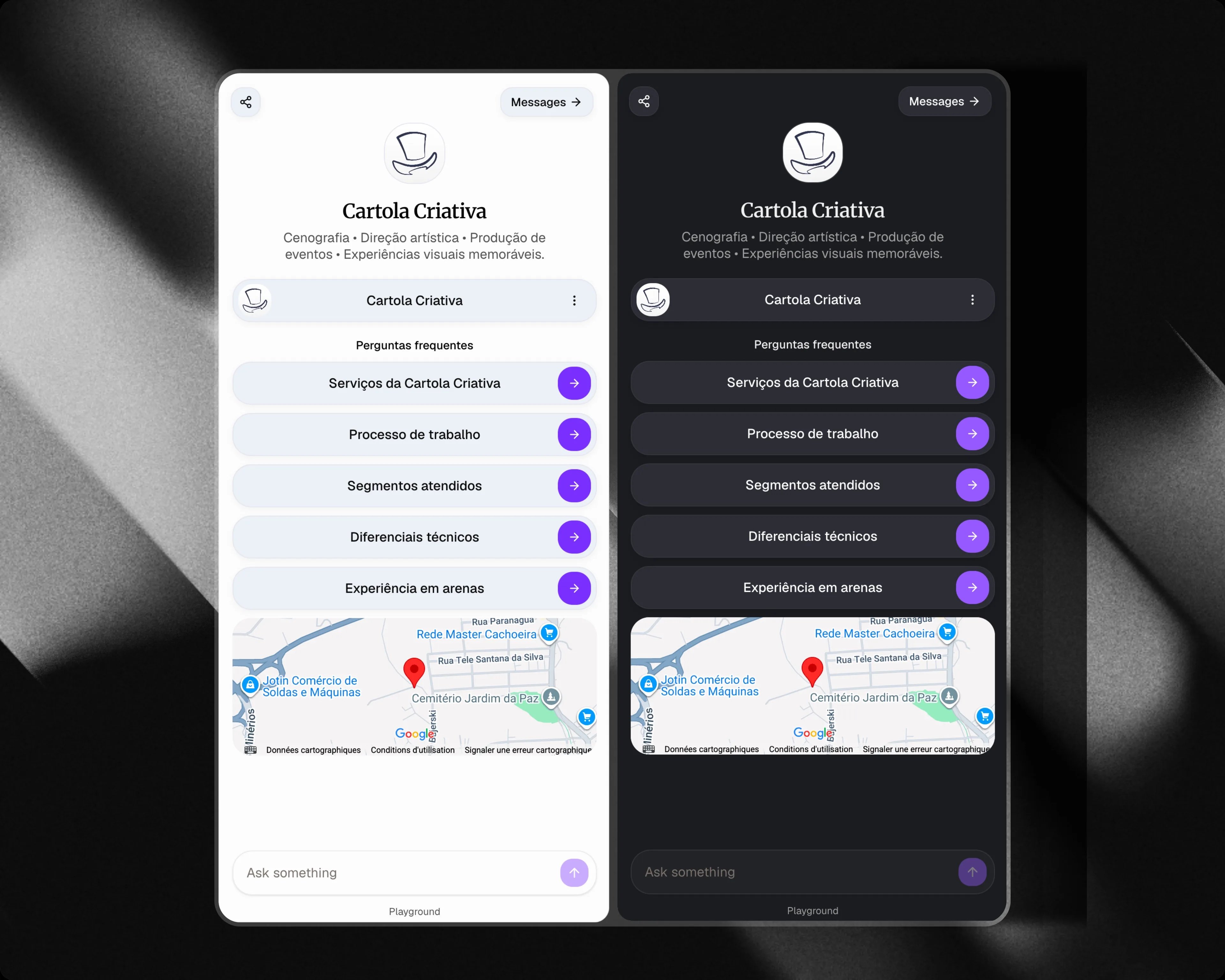
In addition to themes, you can choose how your chat is displayed.Light mode
Uses a clean and bright interface.Dark mode
Uses a dark interface and automatically adapts the theme colors for a better visual experience. You can switch between modes at any time.The Customize section, which allows you to personalize colors, typography, layout and background images, is available exclusively on the Attlas Starter and Attlas PRO plans.
Custumize
Learn more about advanced customization options in the Customize documentation