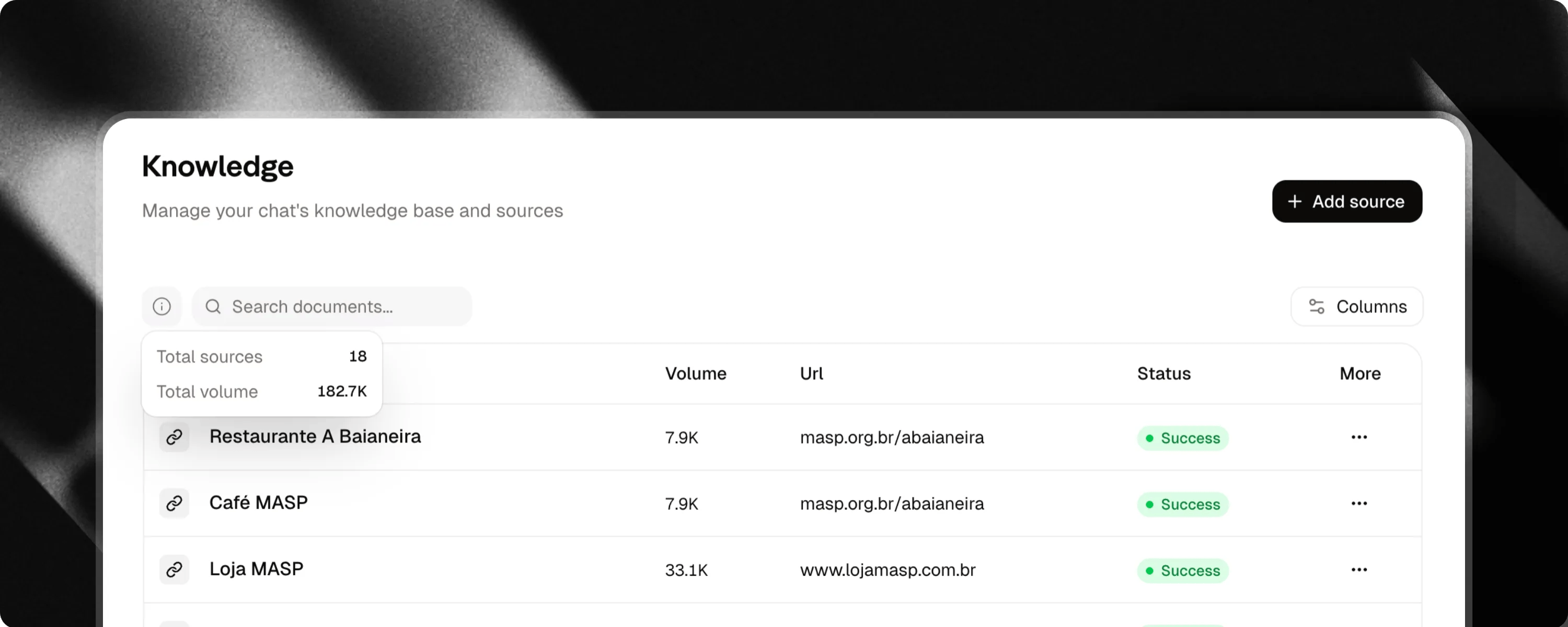
To add content to your chat, go to the Knowledge tab or click + Sources in the platform’s top menu.
Supported content types
Attlas allows you to add different types of content to build your chat’s knowledge base.- 📝 Text: Copy and paste any content directly into the text editor. This is ideal for FAQs, procedures, policies, instructions, documentation and any other text-based information.
- 📄 Files: Upload documents, spreadsheets, presentations and images to enrich your chat’s knowledge base. Supported formats: PDF, Word, Excel, PowerPoint, JPG, PNG, WEBP, HEIC.
- 🔗 Links: Add public website links that allow search engine indexing. Attlas will automatically extract the page content and transform it into knowledge for your chat.
- 🎙️ Audio: Upload audio files and let Attlas transcribe and convert their content into knowledge. Supported formats: MP3, WAV, OPUS.
- 🎥 Video Content: Add videos from social platforms and let Attlas transcribe and incorporate their content into your knowledge base. Supported platforms: YouTube, Instagram, TikTok, Facebook, LinkedIn, X (Twitter).
Adding YouTube and Social Media videos as knowledge sources is a feature available exclusively on the Attlas Starter and PRO plans.
Organizing sources with folders
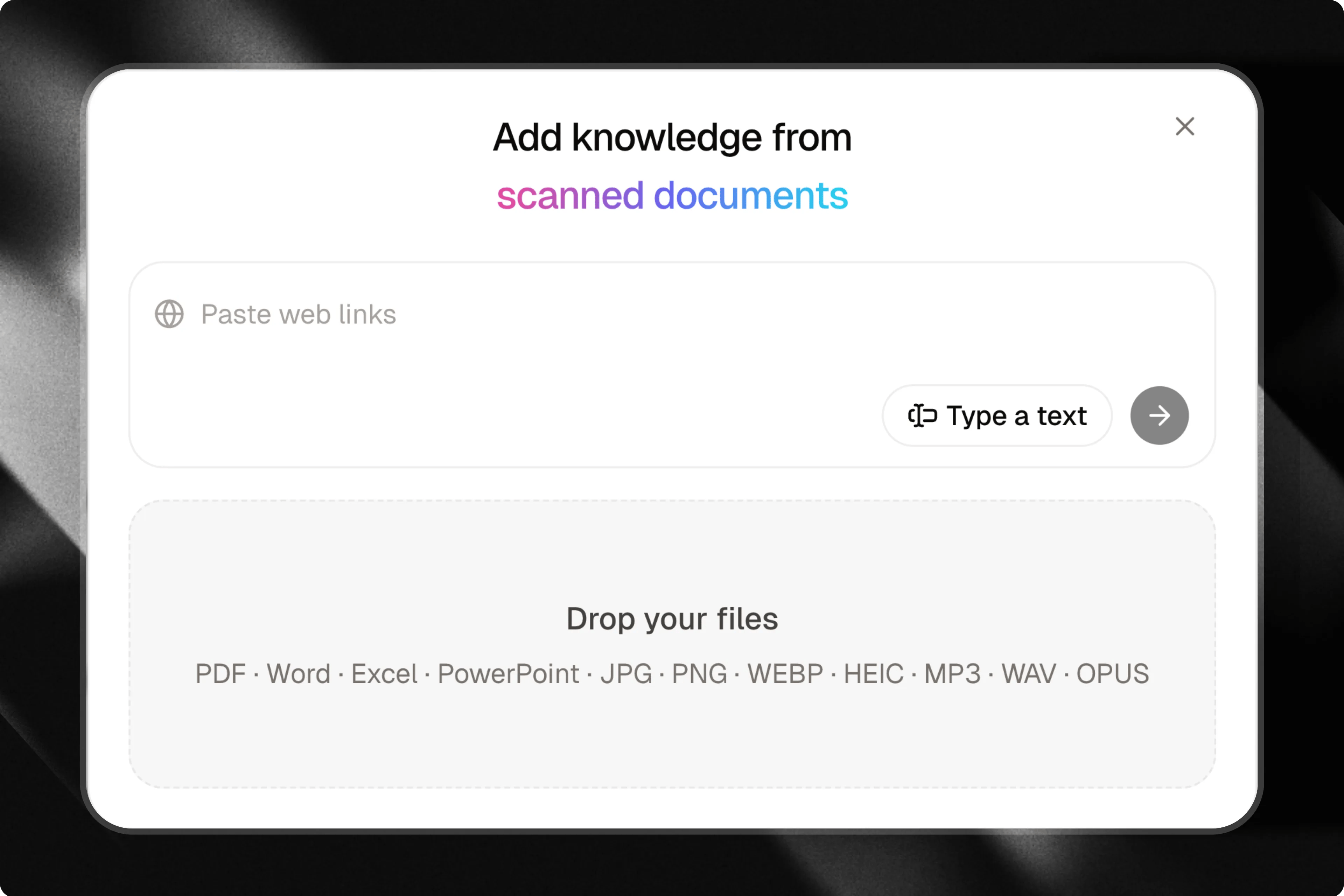
Organize your knowledge base into custom folders to keep content structured, easy to navigate, and manageable as your sources grow.Creating and managing folders
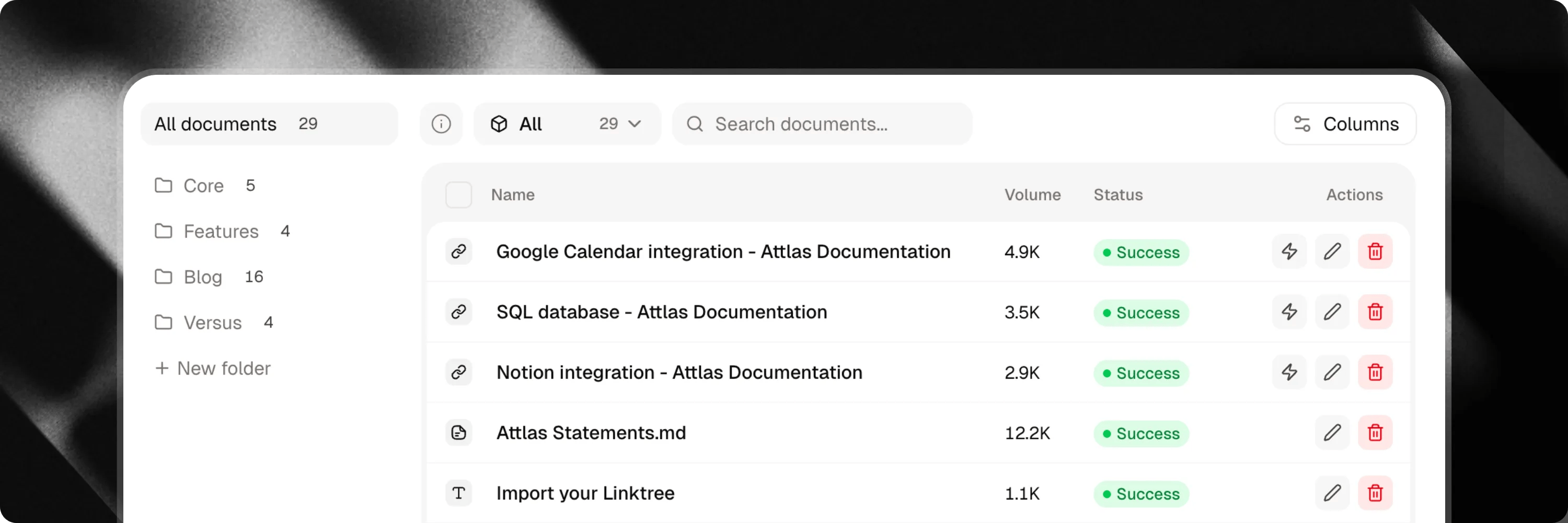
- Create a folder: In the Knowledge tab, click the + icon in the folders sidebar to add a new folder.
- Rename or delete: Hover over a folder name or click the options menu (…) to rename or delete it.
- Reorder folders: Drag and drop folders up or down in the sidebar to arrange them in your preferred order.
Deleting a folder does not delete the documents inside it. All documents from a deleted folder will safely revert to the Unfiled list.
Moving documents into folders
You can organize your documents using two simple methods:- Drag and drop: Click and drag one or more document rows from the table and drop them directly onto a folder in the sidebar.
- Bulk action toolbar: Select the checkboxes next to the documents you want to move, click Move to folder in the action bar, and choose your target folder.
Automatic training
Once you have added your content, Attlas will automatically start the training process. No additional action is required. As soon as processing is complete, the content will be available for your chat to use when generating responses.If automatic training fails, a reload button will appear. Click it to retry processing the knowledge source.
Good practices
The more relevant and organized your knowledge base is, the better your chat’s responses will be. Combine different types of content to provide richer context to Attlas and keep your sources up to date. With a well-structured knowledge base, your chat will be better equipped to answer questions with greater accuracy, depth and confidence.Best practices for using Attlas
Learn more about best practices for Attlas knowledge sources