How it works
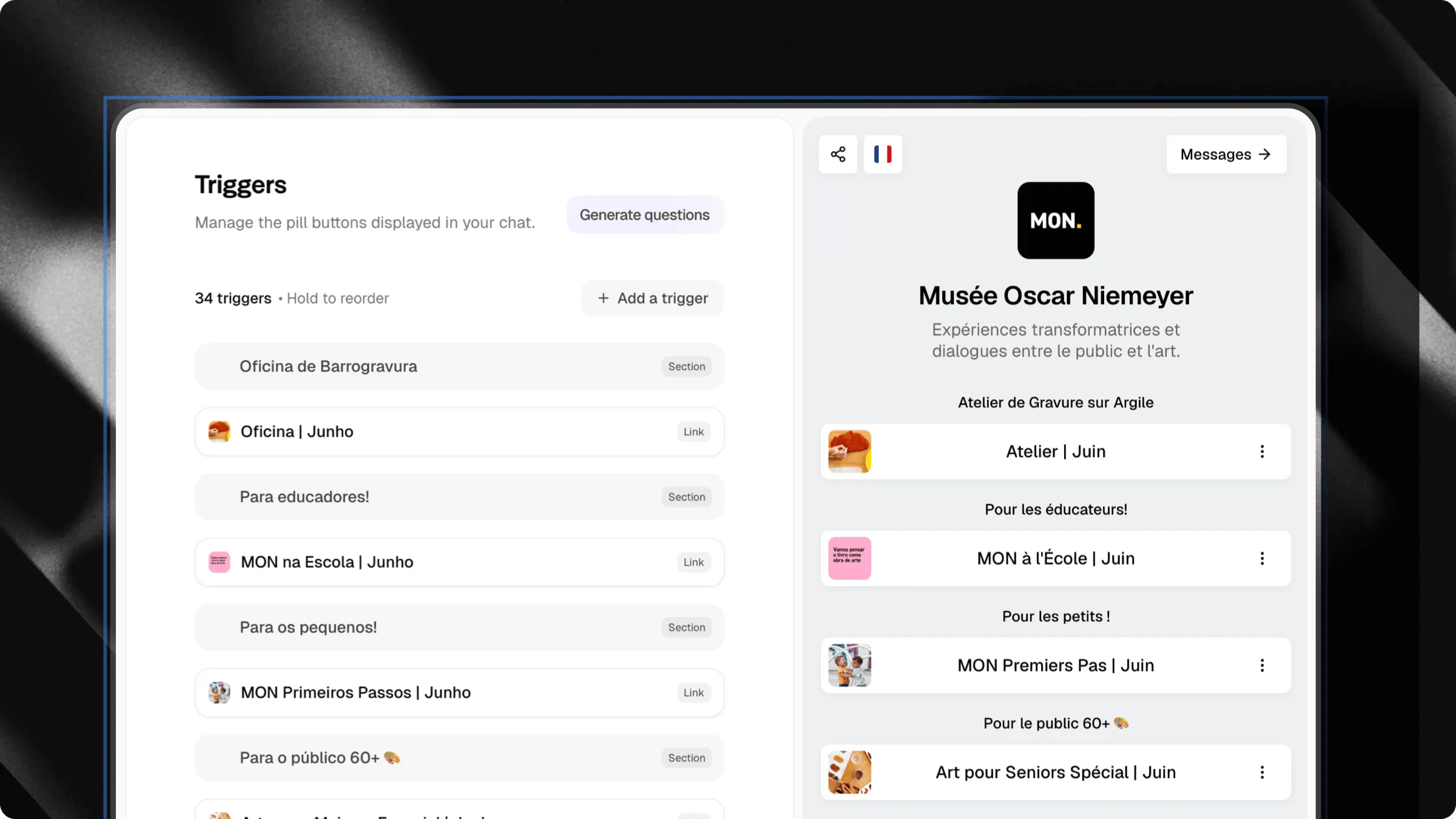
When you save a trigger or update your chat profile, Attlas translates your content into 13 languages in the background. When a visitor opens your chat, they see everything, including trigger labels and your welcome message, in their own language. If a visitor clicks a question trigger, the question is sent to the AI in their language, so the response comes back in their language too.Supported languages
Arabic is displayed right-to-left automatically.
Language detection
Attlas detects the right language for each visitor in this order:- Manual choice — if the visitor has selected a language using the language switcher, that choice is always respected.
- Conversation language — the language the visitor is actually writing in.
- Browser language — the language configured in their browser.
- Location — if the browser gives no clear signal, Attlas uses the visitor’s country as a fallback.
- English — the default if nothing else is detected.
Language switcher
Fine-tuning translations
If an automatic translation feels off for a specific language, you can edit it directly, without touching your source content.This option is only visible to you, as the chat owner, in your workspace. Visitors never see the edit button.
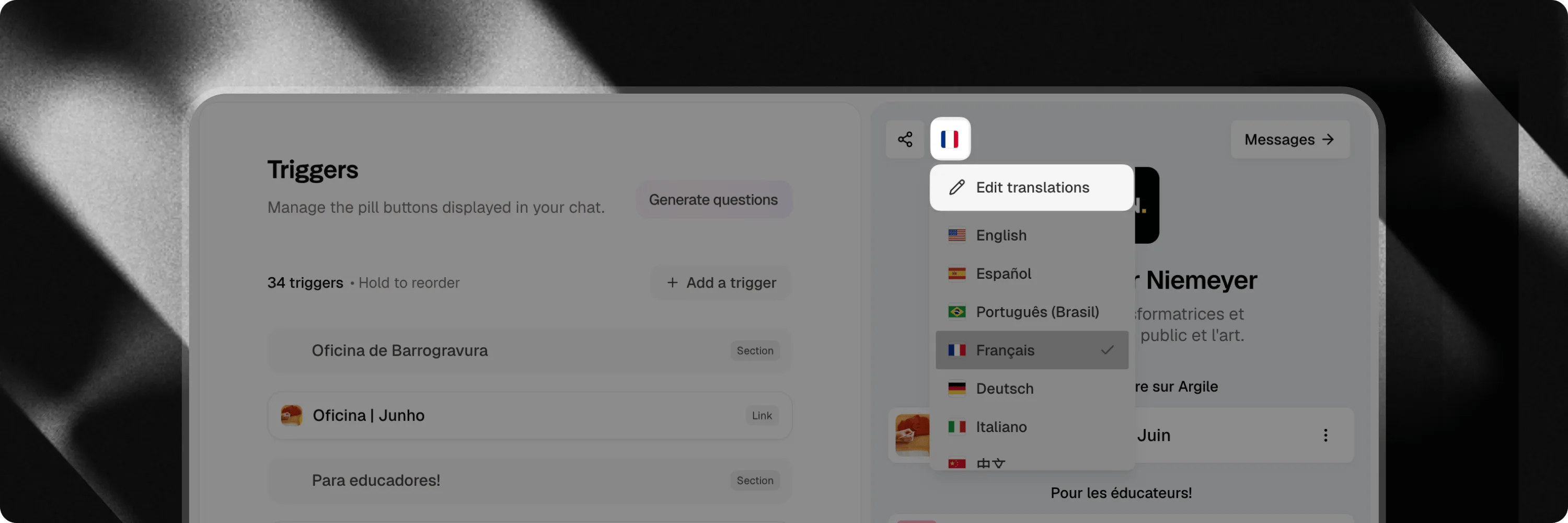
- Open your chat in the workspace sidebar preview.
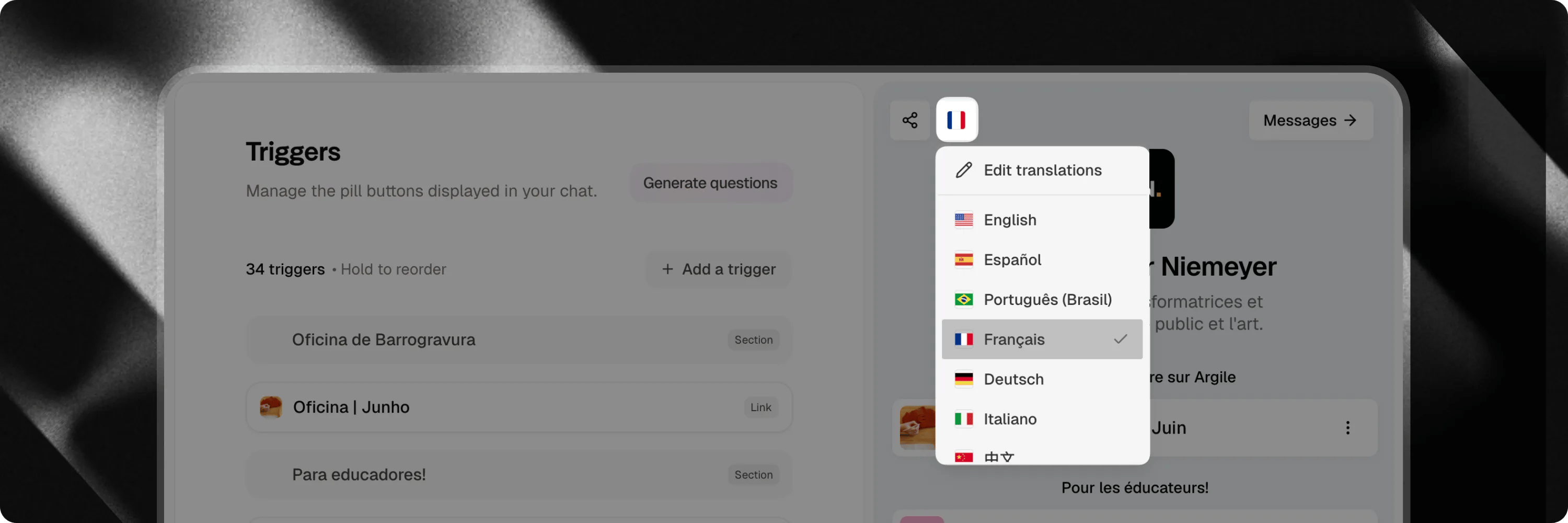
- Click the flag icon in the chat header to open the language switcher.
- Click Edit translations (pencil icon) at the top of the dropdown.
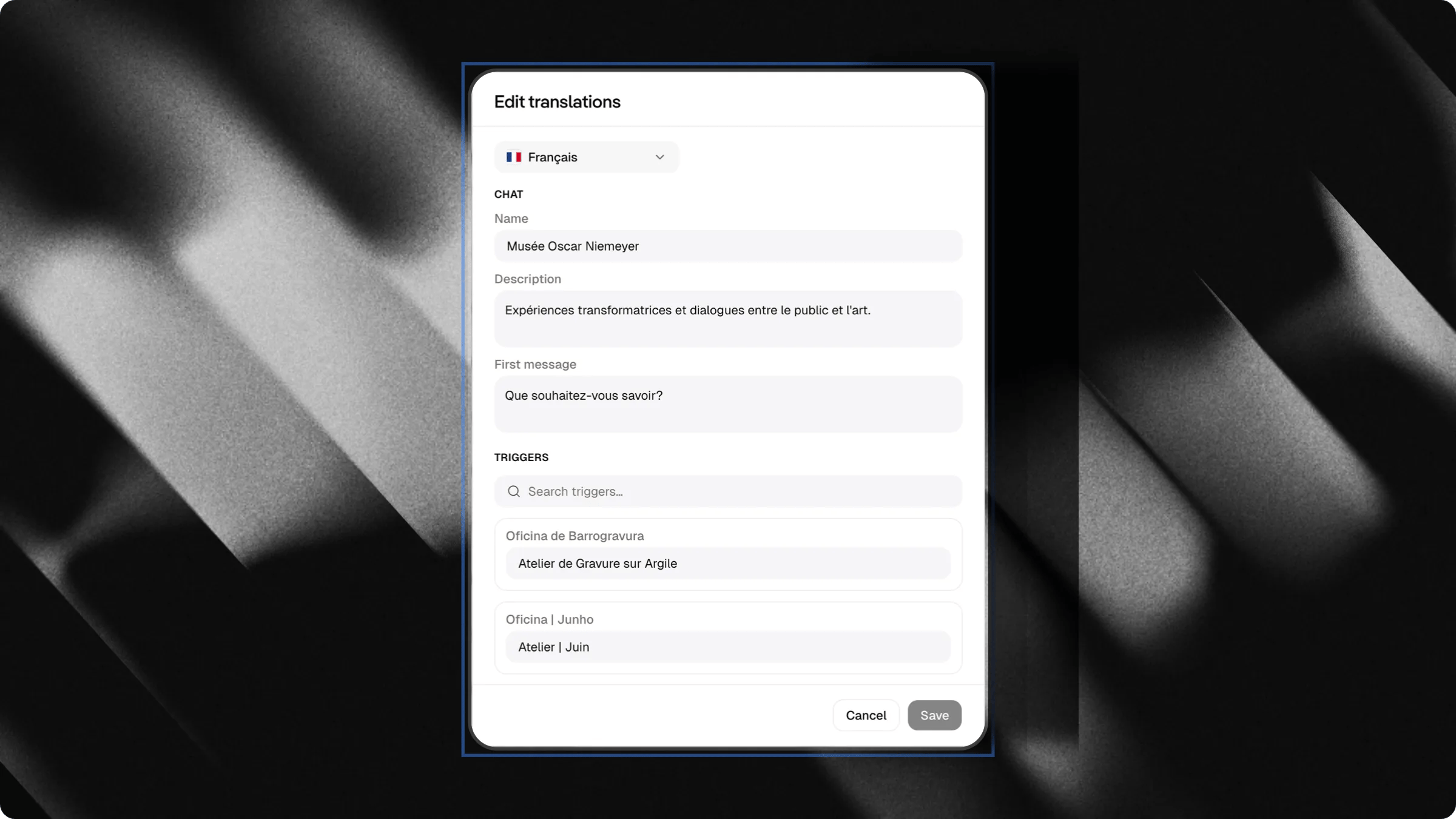
- Select the language you want to adjust.
- Edit any of the fields: chat name, description, welcome message, or trigger labels and questions.
- Click Save.