

What can you add to your home view (link aggregator) ?
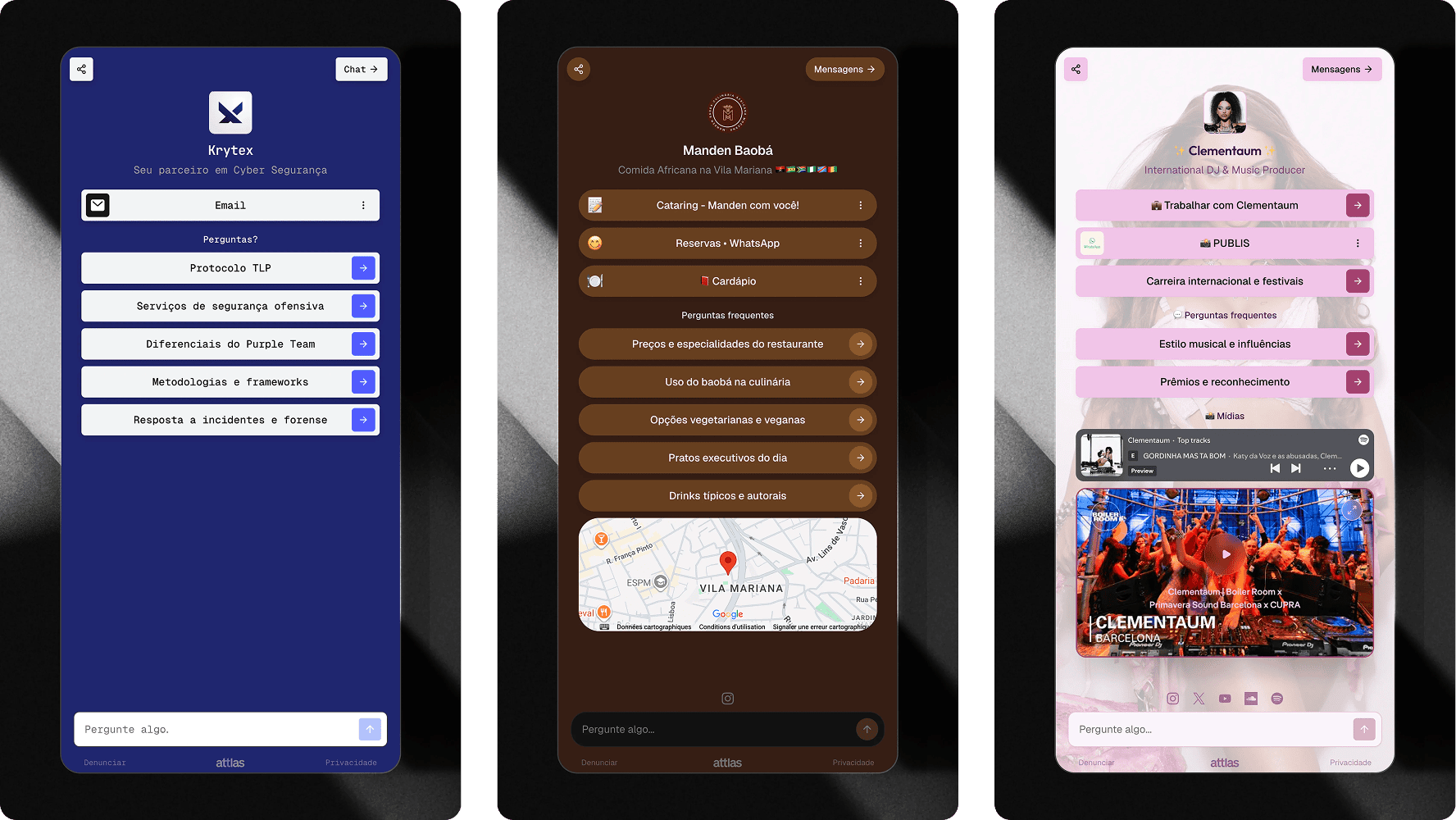
The link aggregator can be used to centralize all your most important channels and resources. Here the link types available into Attlas:- Social media profiles
- Websites and blogs
- Landing pages
- Products and services
- Portfolios
- Videos
- Files
- Forms
- Exclusive content
Links and actions
The buttons displayed in your link aggregator are managed through triggers. You can add:- External links
- Files
- Google Drive files
- YouTube videos
- Spotify embed
- Location maps
- Questions that start conversations
Read more about triggers
To learn more about the available trigger types, visit the triggers section of the documentation.
Integrated chat
One of the biggest differences between the Attlas link aggregator and a traditional link aggregator is the built-in intelligent chat. While other platforms simply redirect users to external pages, Attlas allows visitors to interact directly with your content. Users can:- Ask questions
- Request information
- Discover products and services
- Find documents and resources
- Explore your content through conversations
Read more about Attlas chat here
Learn about Atlas’ AI chat and how it works.
When should you use link aggregator?
The link aggregator is ideal for:- Content creators
- Influencers
- Educators
- Businesses
- Consultants
- Freelancers
- Personal brands
Sharing your link aggregator
Once your page is configured, simply share your chat link. You can use it as the link in your social media bios, including:- TikTok
- X (Twitter)
- QR Codes
- Websites and blogs