

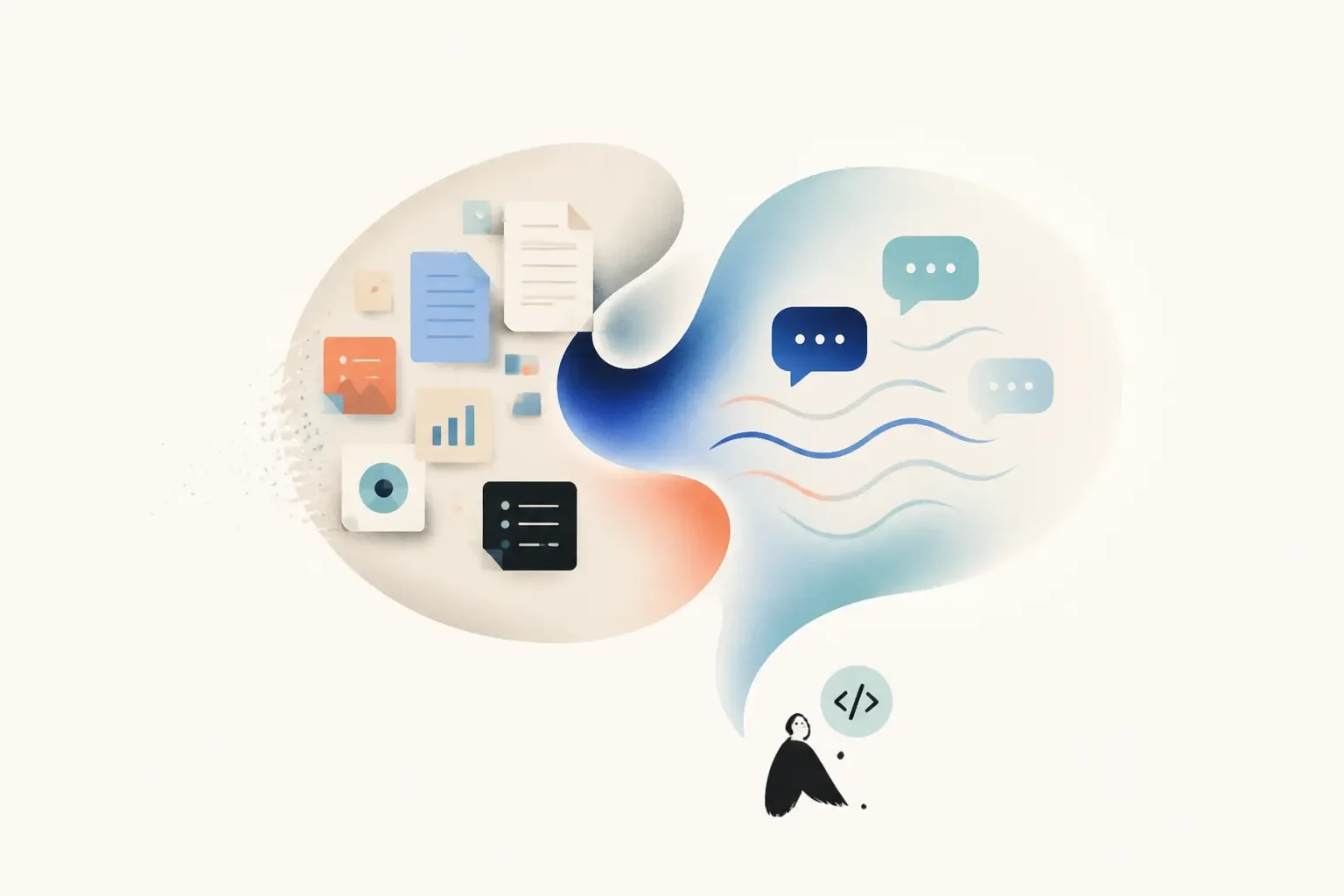
Creating an AI Chat can sound like something that requires programming, APIs, servers, and a team of developers.
But it doesn't have to be that way.
Today, there are platforms that let you create an AI Chat using visual interfaces and simple tools, without having to write code or build a solution from scratch.
The process can be similar to what you already do with other platforms every day: create an account, add information, choose settings, customize the experience, and share it.
And that is exactly the idea behind Attlas.
Attlas was designed so that anyone can turn their own knowledge into an AI Chat, without needing to know how to code or hire a developer to get started.
In this article, you'll learn how to create an AI Chat without coding, what you need to get started, and how to turn your own content into a conversational experience.
Is it possible to create an AI Chat without coding?
Yes.
You don't necessarily need to develop your own artificial intelligence system to create an AI Chat.
No-code platforms allow you to do this through visual interfaces, where you can configure how the chat works without writing code.
Instead of programming every response, you provide the knowledge your AI Chat should use and define how it should interact with people.
For example, you can create an AI Chat that knows about:
- Your products
- Your services
- Your company
- Your courses
- Your documents
- Your website
- Your content
- Your customer information
From there, people can ask questions and interact with the chat.
You provide the knowledge. The platform handles the technical side.
What do you need to create an AI Chat without coding?
You don't need to start with a technology team. In practice, there are three main things you need:
1. Your knowledge
First, you need to define what your AI Chat should know.
This can be the content your company already has, information about your work, documents, website pages, videos, PDFs, or other materials.
2. A no-code platform
You need a tool that allows you to add this knowledge and configure your AI Chat without having to develop everything from scratch.
We recommend Attlas ;)
3. A goal
What do you want your AI Chat to do?
- Answer questions?
- Showcase your products?
- Help customers?
- Capture leads?
- Schedule meetings?
- Guide visitors?
Defining this goal helps you create a more useful experience.
How to create an AI Chat without coding with Attlas
Attlas was designed specifically to make this process simple.
You don't need to know programming languages, APIs, or infrastructure to create your first AI Chat.
Everything happens through a visual interface.
The process can be divided into a few simple steps.
1. Create your Attlas
Start by creating your account.
You don't need to install anything or configure a server.
From your web browser, you can create your own AI Chat and start configuring it from your workspace.
Create your Free Attlas Accout here!
2. Add your knowledge
Now it's time to teach Attlas about what you want to share.
You can add different types of content, including:
- Links and web pages
- PDFs and documents
- Images
- Videos
- Audio
- Text
- Spreadsheets
- Notion
You don't need to create content specifically for Attlas. Use what you already have.
For example:
→ A company can add its website, catalog, and documents.
→ A teacher can add course materials.
→ An artist can add their biography, music, projects, and show dates.
Attlas turns this content into knowledge that can be accessed through conversation.

3. Define how your AI Chat should communicate
After adding your knowledge, you can customize the experience.
With Attlas, you can define:
- Personality: how Attlas should communicate;
- Goal: what it should help visitors accomplish;
- Custom Instructions: specific rules for the conversation;
- Triggers: questions and actions that help start the interaction;
- Handoff: when to bring a person into the conversation.
Everything is configured directly through the interface.
You don't need to write code to define these rules.
4. Customize the appearance
Your AI Chat can also have the visual identity of your project.
You can choose themes, colors, typography, and other elements of the experience.
The idea is that creating an AI Chat shouldn't feel like configuring a complex system.
It should feel like using a tool you already know.
5. Test before you share
Before putting your AI Chat in front of your audience, you can have a conversation with it and test how it works.
- Ask questions.
- See how it responds.
- Check whether it finds the right information.
- Add or adjust your knowledge when necessary.
This step is important because creating a good AI Chat isn't just about adding content.
It's also about experimenting with the experience you're creating.
6. Share your AI Chat
Once you're ready, simply share it.
Your Attlas has its own link that can be used in different places:
- Link in bio
- Website
- Social media
- QR Code
You can also embed Attlas directly into your website.
This way, your AI Chat can reach people exactly where they're already looking for information.
Do I need to know how to code to create an AI Chat?
No.
And this is one of the core ideas behind Attlas.
You shouldn't need to learn how to code to turn your knowledge into a conversational experience.
The platform was designed so that tasks that would normally require development can be handled through simple, intuitive interfaces.
It's the same logic we see in many of the tools we use every day.
You don't need to know how an app was programmed to know how to use it.
In the same way, you don't need to know how an AI Chat was developed to create one.
What if I need a more advanced AI Chat?
Not coding doesn't mean having a limited experience.
Depending on what you need, Attlas can do much more than answer questions.
For example, you can:
- Schedule Meetings: Connect Google Calendar and let visitors check your availability and schedule directly through the conversation.
- Capture Leads: Collect information from people who are interested during the interaction.
- Showcase Products: Add products to your Attlas and let people discover information and access product links directly through the conversation.
- Connect With a Person: Use Human in the loop when a visitor needs to speak with someone from your team.
- Communicate in Different Languages: Attlas can adapt the experience to the visitor's language.
- Understand Conversations: Use Analytics to discover what your audience is asking and what information they're looking for.
All of this can still be configured directly through the platform.
AI Chat No-Code vs. Building From Scratch
There are two very different ways to think about creating an AI Chat.
Building from scratch
You may need to deal with:
- Programming;
- APIs;
- Infrastructure;
- Databases;
- Authentication;
- Interfaces;
- Maintenance;
- Updates;
- Integrations between different services.
This can make sense when you need to build a completely customized solution.
Using a no-code platform
With a platform like Attlas, much of that infrastructure already exists.
You can focus on what actually matters: what your AI Chat knows, how it communicates, and what experience you want to create.
You don't need to build the technology. You use the technology to build your experience.
Who can create an AI Chat without coding?
Pretty much anyone with knowledge to share.
Businesses
For customer support, products, services, documentation, and lead generation.
Teachers
For course materials, lessons, content, and frequently asked questions.
Creators
For content, services, portfolios, and professional information.
Artists
For music, projects, biographies, and upcoming shows.
Events
For schedules, locations, participants, FAQs, and general information.
And these are just a few examples.
The point isn't the industry. It's having knowledge that other people need to access.

Is creating an AI Chat without coding really that simple?
The technology behind an AI Chat can be quite complex.
But that doesn’t mean the experience of creating one has to be.
That’s an important distinction.
You don’t need to understand every mechanism that makes an AI Chat work in order to create one.
Just like you don’t need to know how a text editor was programmed to write a document, or how a video platform was built to publish a video.
The technology can be complex behind the interface. The experience doesn’t have to be.
That’s the idea behind Attlas.
We believe giving people access to information should be simple, too.
If you have something to teach, explain, share, or offer, you shouldn’t need to know how to code to turn that knowledge into an accessible experience for others.
That’s why Attlas was designed so anyone can create their own AI Chat.
The interface is simple because the goal is simple: to put the knowledge of those who have something to say into the hands of those who need to find it.
No code.
No need to build a development team.
No need to understand how everything works behind the scenes.
You bring the knowledge. Attlas takes care of the experience.
How to get started
Creating your first AI Chat can be much simpler than it seems.
With Attlas:
- Create your account.
- Add your knowledge.
- Customize your AI Chat.
- Test the experience.
- Share your link.
And you can get started for free.
Your knowledge already exists. Now, turn it into a conversation.
Create your Free Attlas Accout here!

Published author and writer specializing in digital communication. She turns ideas into texts that help people enjoy and discover the full potential of Attlas.