

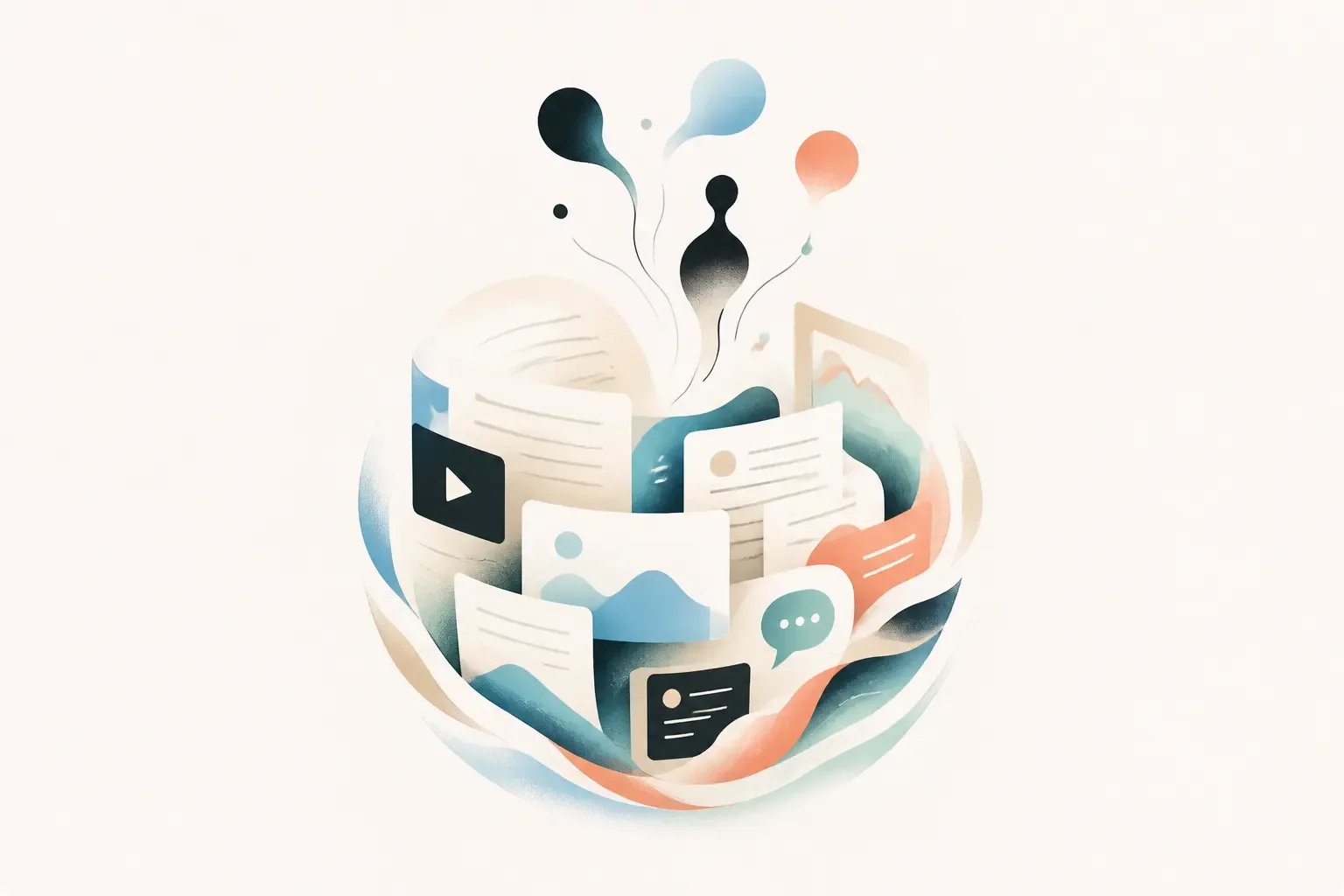
Creating an AI Chat using your own content can be much simpler than it sounds.
You can turn documents, website pages, videos, text, and other information into a knowledge base that allows people to ask questions and get answers directly through a conversation.
And the best part: you don't necessarily need to know how to code to do it.
What is an AI Chat using your own content?
An AI Chat using your own content is a tool that can answer questions using information provided by you.
Instead of relying only on an AI's general knowledge, the chat uses a custom knowledge base.
For example, a company can add:
- Documents and PDFs
- Pages from its own website
- Manuals and internal materials
- Product catalogs
- Videos
- Text
- Frequently asked questions
- Other relevant content
Then, when someone asks a question, the AI Chat uses the available information in its knowledge base to generate an answer.
Why create an AI Chat using your own content?
Because a lot of important information already exists, but it isn't always easy to find.
Imagine a company with dozens of pages on its website, documents, presentations, and customer support materials. All of that information may be available, but visitors still need to know where to look.
With an AI Chat, the experience changes.
Instead of searching for the information, people can simply ask for it.
This can be useful for:
- Answering customer questions
- Presenting products and services
- Making documentation more accessible
- Supporting internal teams
- Making educational content easier to access
- Creating a faster support experience
What types of content can I use?
This depends on the platform you choose, but AI Chats can work with different types of content.
For example, you can use:
- Documents: PDFs, presentations, and spreadsheets.
- Websites: public pages and content published online.
- Text: specific information you want to add to your knowledge base.
- Videos and audio: content that may also contain valuable information for your AI Chat.
The idea is simple: you provide the knowledge, and the AI Chat turns that knowledge into a conversational experience.

How to create an AI Attlas Chat using your own content
The process can be divided into a few simple steps.
1. Gather your content
First, identify the information you want your AI Chat to know.
This could be the content from your website, documents, customer support materials, product catalog, or any other relevant information.
The most important thing is to make sure your content is up to date and well organized.
2. Turn your content into an AI Chat With Attlas
With Attlas, you can turn your own content into an AI Chat that understands your knowledge and answers questions based on it.
You don't need to code or build a chatbot from scratch. Just add your content to Attlas and configure how your chat should communicate.
Attlas can learn from different sources, including documents, web pages, videos, text, images, and other types of content.
You can also define your chat's personality, tone of voice, goals, and limits.
The goal is simple: make your knowledge accessible without requiring technical skills or programming.
3. Add your content
Once you've chosen your platform, it's time to add the information your AI Chat will use.
The better your knowledge base, the more useful the experience will be for the people interacting with it.
That's why it's worth prioritizing information that is relevant, clear, and up to date.
4. Configure and test
Before sharing your AI Chat, ask it a few questions.
Try to think like a visitor:
- “How much does it cost?”
- “How does it work?”
- “What services do you offer?”
- “How can I contact you?”
This helps you identify missing information and understand how the chat is using your knowledge base.
5. Share it
Once you've tested everything, you can make your AI Chat available to your audience.
Depending on the platform, it can be shared through a link, embedded on your website, or used across other channels.
With Attlas, for example, your chat can also work as a link-in-bio experience, bringing information and conversation together in one place.
Same Linktree. Now it answers for you.
What can you do with a custom AI Chat?
The possibilities depend on your goals.
- A company can use an AI Chat for customer support and frequently asked questions.
- A professional can use it to present their services and information.
- A content creator can turn their own materials into an interactive experience.
- An institution can make documents and information more accessible.
- And a team can use it to make internal information easier to access.
The common thread is simple: turning content that once had to be searched for into information that can simply be asked for.

What if my content is spread across different places?
That's very common.
Some information may be on your website, some in PDFs, some in videos, and some in internal documents.
That's why platforms that allow you to bring different sources together into a single knowledge base can make the process much easier.
Instead of creating completely new content, you can start by using what your company or project already has.
Can an AI Chat replace a website?
We believe it can.
An Attlas can have its own shareable link, functioning as the main access point to the information of a company, professional, or project, and, in some cases, that can completely replace a traditional website.
Instead of navigating through pages, menus, and sections, visitors can simply open the link and ask what they want to know.
“Which of these services is right for me?”
And Attlas answers.
But that doesn't mean a website and an AI Chat have to compete with each other.
They can coexist.
For people who prefer the traditional website experience, it can still be there. For those who prefer to ask questions and get answers directly, there is the chat.
That's exactly why Attlas can also be embedded into existing websites.
In the end, there isn't one right way to present information. The choice belongs to the person creating the experience, and to the people using it.
The future of content may be conversational
For years, we've learned to organize information into pages, menus, folders, and documents.
Now, there's another possibility: allowing people to have a conversation with that knowledge.
Creating an AI Chat with your own content isn't just about adding artificial intelligence to a website.
It's about rethinking how people find what you already know.
Because the problem isn't always a lack of information. Sometimes, it's access to it.
Create your own AI Chat
You don't need to start by coding a chatbot from scratch.
With a platform like Attlas, you can add your own content, configure the experience, and create an AI Chat capable of answering your audience's questions.
Your content already exists. It's time to let it talk.

Published author and writer specializing in digital communication. She turns ideas into texts that help people enjoy and discover the full potential of Attlas.