

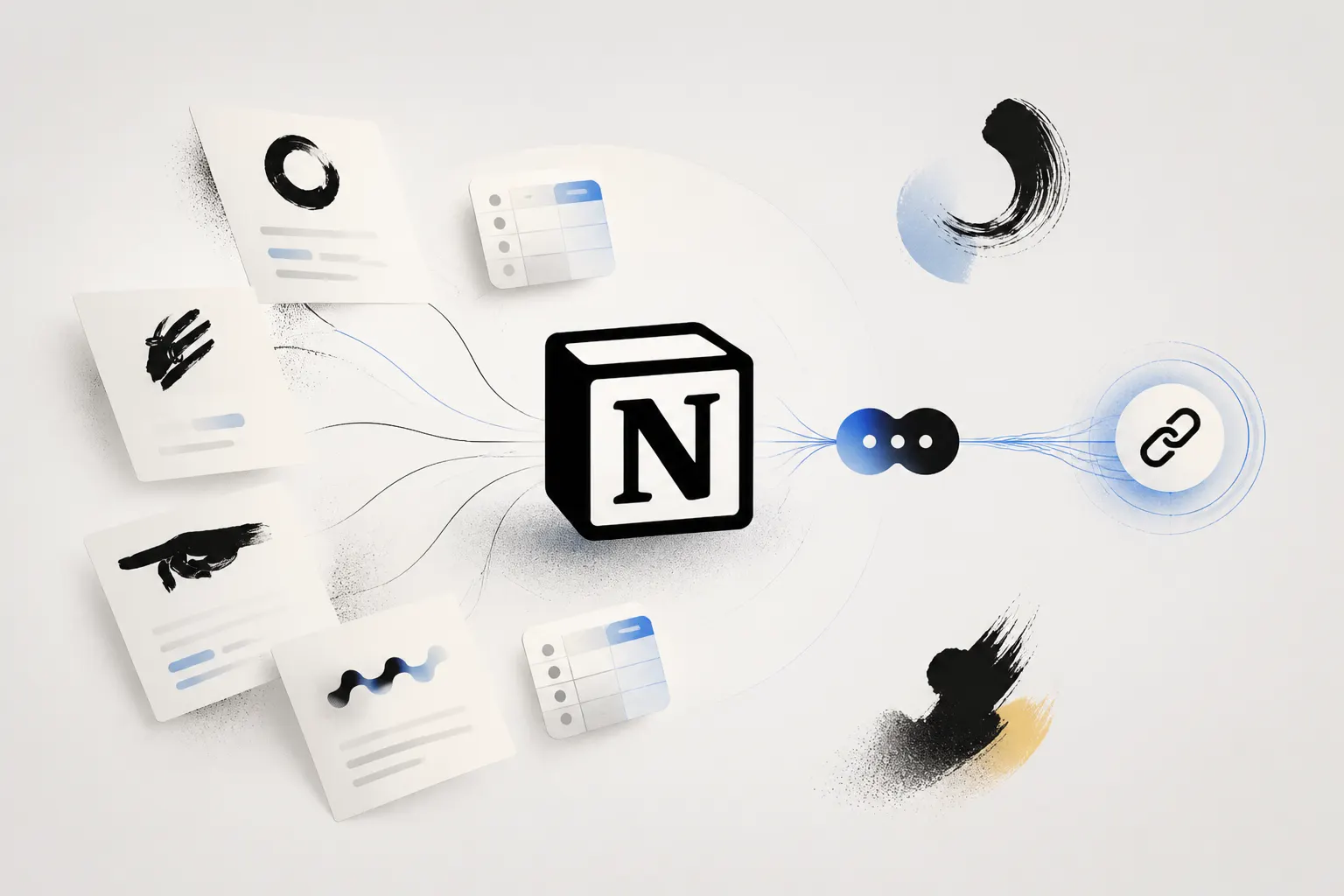
If you already use Notion to organize documents, processes, guides, FAQs, or other types of knowledge, you probably already have much of the content you need to create an AI Chat.
The question is: how can you turn those Notion pages into a chat that other people can actually use?
With the Notion integration in Attlas, you can connect your workspace, choose the pages you want to use as knowledge, and create an AI Chat based on that information, without exporting your documents or copying everything manually.
Why turn your Notion pages into an AI Chat?
Notion is excellent for organizing knowledge.
Companies use it to document processes. Teams create internal wikis. Creators organize their content. Educators structure courses and learning materials.
But organizing information doesn't necessarily mean making it easy to find.
Imagine someone needs to know:
“How does our onboarding process work?”
Instead of looking for the right page, opening different documents, and navigating through links, they could simply ask.
That's the change an AI Chat can bring to the experience.
Your knowledge stays organized in Notion. The difference is in how people access that knowledge.
How to create an AI Chat using your Notion pages
The process with Attlas is simple.
1. Connect your Notion workspace
First, choose the Attlas Chat you want to configure.
Then:
- Go to your chat settings.
- Open the Integrations tab.
- Find the Notion integration.
- Click Connect.
- Log in to your Notion account and authorize access.
The connection is made per chat, so different Notion workspaces or pages can be connected to different Attlas Chats.
2. Choose what your chat should know
Once you've connected Notion, you can choose exactly which information you want to use.
Attlas allows you to import individual pages and nested pages, which works especially well for documentation, guides, FAQs, and notes.
You don't necessarily need to make your entire workspace available.
You can select only the pages that make sense for that particular AI Chat.
This is especially important when your Notion contains information that shouldn't be part of a public experience.
3. Add your pages to the knowledge base
After selecting your pages, they can be processed and added to your Attlas Knowledge Base.
From there, the content of those pages can be used by the AI Chat to answer users' questions.
And you don't need to copy and paste the content manually.
There's no need to export your documents.
You simply connect, select, and add them.

Minimalist illustration showing Notion pages connected to an Attlas AI Chat, with content synced and shared through a public link
What if I use Notion databases?
You can also work with Notion databases.
This can be especially useful for structured content, such as:
- Product catalogs
- CRM records
- Team wikis
- Article repositories
- Information databases
You can import an entire database into your Attlas and optionally include both each record's properties and the full content of its pages.
The documentation recommends up to 500 items per database to maintain efficient synchronization and accurate information retrieval. For larger databases, Attlas recommends splitting or filtering the data into smaller, more specific sets.
What happens when I update a Notion page?
This is one of the most important parts of the integration.
You don't need to import your pages again every time you make a change.
Attlas keeps the content synchronized with Notion. Changes, new records, and deletions made in Notion are processed automatically and reflected in your Chat's Knowledge Base.
You can also manually trigger an immediate update using Refresh Database whenever you want to force a synchronization.
This means Notion can remain the place where you write and organize your knowledge.
Attlas simply changes how people access that knowledge.
Notion remains your source of truth
One important advantage of the integration is that you don't have to abandon the workflow you already use.
Content imported from Notion is read-only inside the Attlas editor. To change that content, you need to edit it directly in Notion.
This keeps Notion as your single source of truth.
→ You write in Notion.
→ You organize in Notion.
→ You update in Notion.
And Attlas uses that knowledge to have conversations with the people who need it.
How can people access the Chat?
Here's one of the main differences between simply using Notion and turning your content into an AI Chat.
An Attlas has its own shareable link.
That means you can share your knowledge with:
- Your team
- Your customers
- Your students
- Your audience
- Website visitors
They don't need access to your Notion workspace.
They don't even need a Notion account.
They simply open your Attlas link and start asking questions.
You can also add Attlas to your website or use it as part of your link-in-bio experience.
What can you do with a Notion-Based AI Chat?
The possibilities depend on the type of content you keep in Notion.
Companies
Turn internal documentation, processes, policies, and FAQs into an AI Chat your team can consult.
Instead of repeatedly asking “where can I find this information?”, someone can simply ask the chat.
Support Teams
Use your existing documentation to help customers find answers without having to send them page after page.
Content Creators
If your Notion works as a second brain, you can turn part of that knowledge into a conversational experience for your audience.
Educators
Course materials, lesson plans, and other educational content can become a more interactive learning experience.

Minimalist illustration showing companies, support teams, content creators, and educators using a Notion-based Attlas AI Chat
Stop sending Notion links
There's a common situation in companies:
“It's in Notion.”
- So someone sends a link.
- The person opens a page.
- Finds another link.
- Looks for another document.
- Navigates through menus.
- Searches again.
- And finally, finds the answer.
The content was there all along.
The problem was the path to it.
With an AI Chat, that path can become much simpler.
Instead of sending a page, you can send a single link to your Attlas.
The person asks:
“What is our refund policy?”
And the chat finds the relevant information within the knowledge you've provided.
Your Notion can become conversational
For years, we've organized knowledge into pages, folders, documents, and menus.
Notion made that organization much easier.
Now there's another possibility: letting that knowledge answer questions.
You don't need to rebuild your documentation.
You don't need to abandon Notion.
And you don't need to build a chat from scratch.
You can continue managing your knowledge where it already lives, and use Attlas to change how people access it.
Your knowledge stays in Notion. The conversation can happen anywhere.
How to get started
To create your AI Chat using Notion pages:
- Connect your Notion workspace to Attlas.
- Choose the pages or databases you want to use.
- Add the content to your Knowledge Base.
- Configure your AI Chat.
- Test a few questions.
- Share your link.
In just a few steps, content that once had to be found can become something that can simply be asked for.

Published author and writer specializing in digital communication. She turns ideas into texts that help people enjoy and discover the full potential of Attlas.