

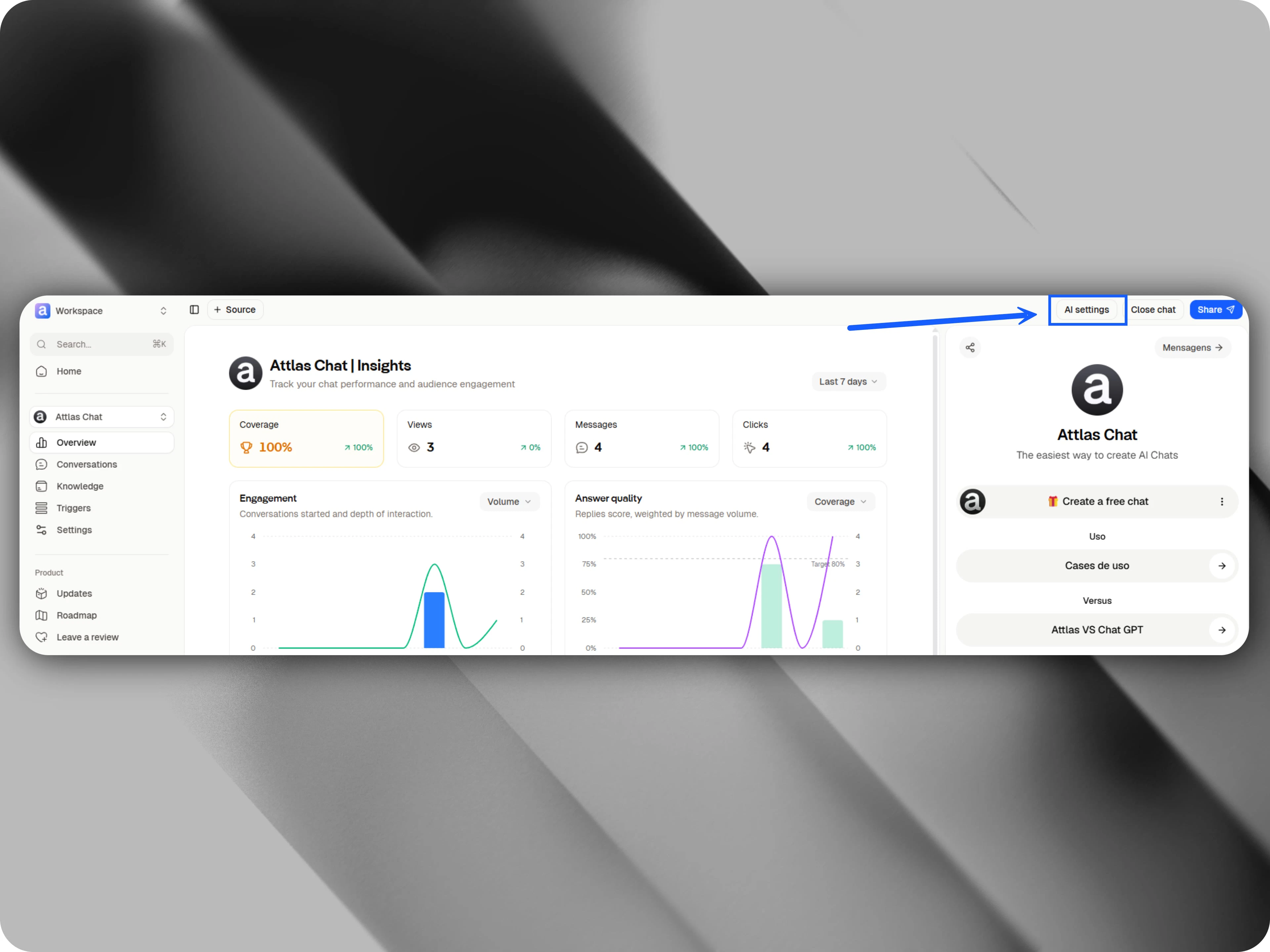
How do AI settings work?
In this area, you’ll find several options to define your chat’s voice, style, and behavior.Archetypes
Choose from a variety of archetypes that represent different personalities. Each archetype has its own unique characteristics and directly influences how the chat communicates with users. For example, some archetypes prioritize knowledge and guidance, while others focus on humor, creativity, empathy, or enthusiasm.Archetypes Guide.
Explore all archetypes and their behaviors in our Archetypes Guide.
Advanced customization
After selecting an archetype, you can fine-tune several settings to make your chat even more aligned with your brand, project, or personal style.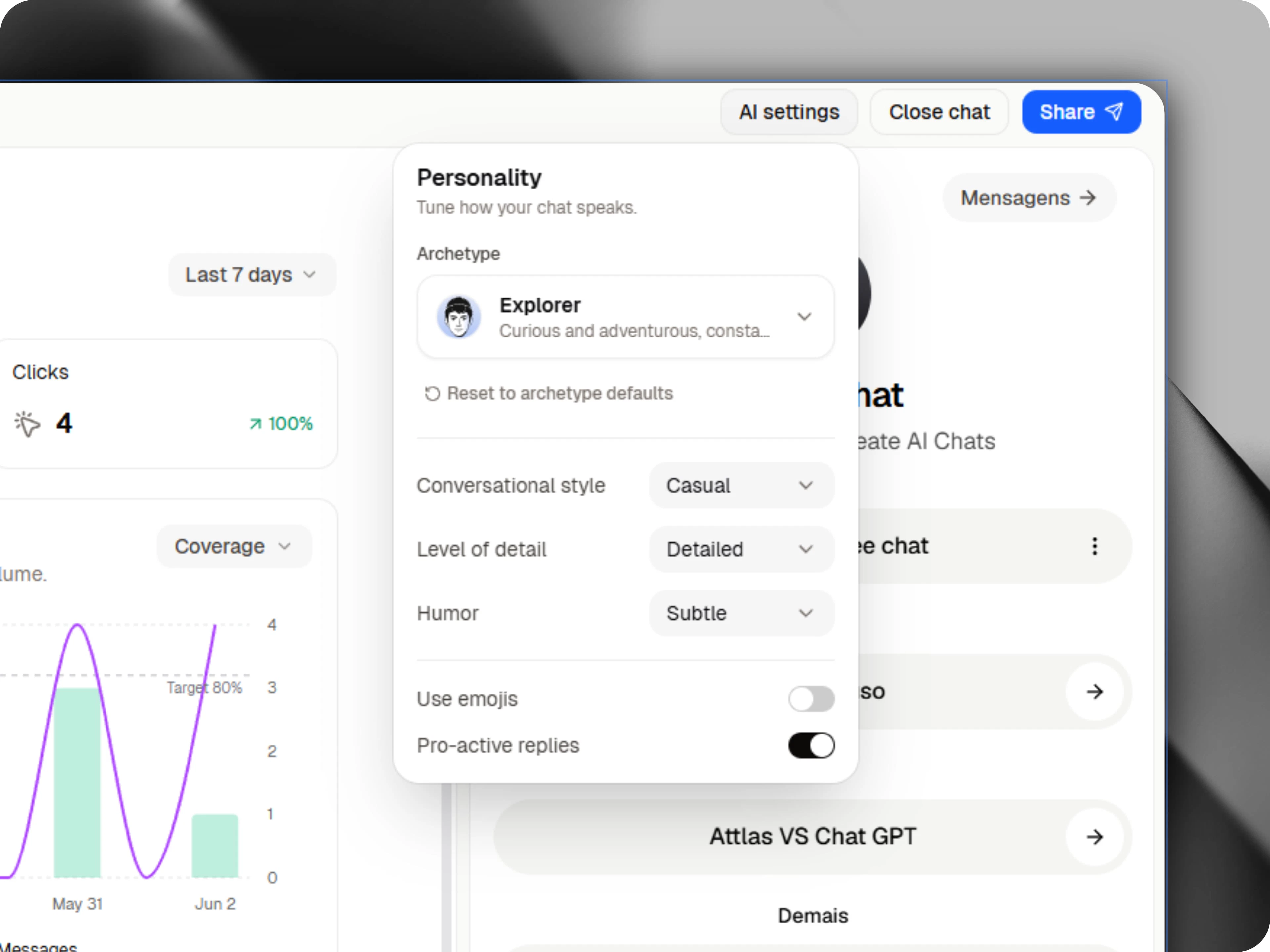
- Emoji usage: Choose whether the chat should use emojis during conversations.
- Proactive chat: Allows the chat to ask follow-up questions and offer additional assistance when appropriate.
- Conversation Style: Choose how the chat should communicate.
- Formal
- Standard
- Casual
- Level of Detail: Define the depth of the responses.
- Concise
- Balanced
- Detailed
- Humor: Select the level of humor used in responses.
- None
- Subtle
- Witty